
2,386 editable PowerPoint slides · browse free · download from ₹99
Icon infographic slides replace plain bullet points with icons and short labels, so each point is easier to spot and remember. They work for features, benefits, services, values, key facts or any list of 3 to 8 items.
This is the largest collection in the library, with grids, rows, circles and cards built around icons. Pick a layout for your number of points, change the icons if you like, and your slide instantly looks designed.
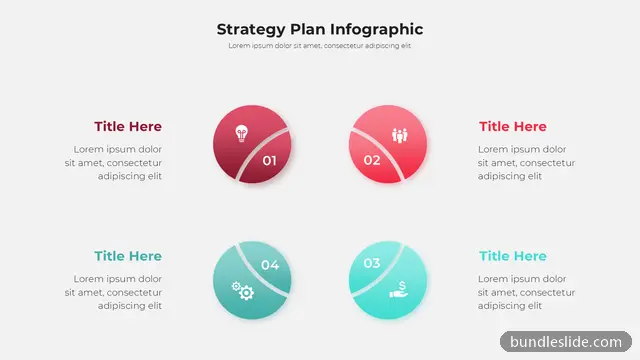
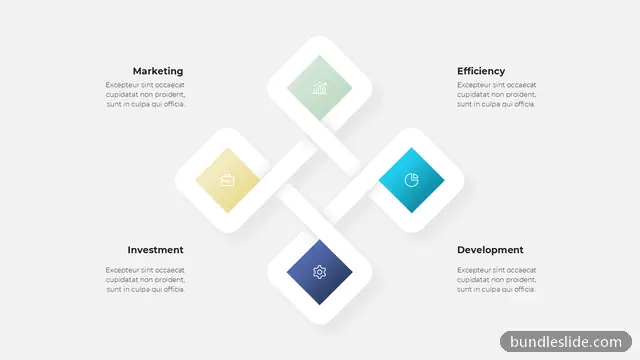
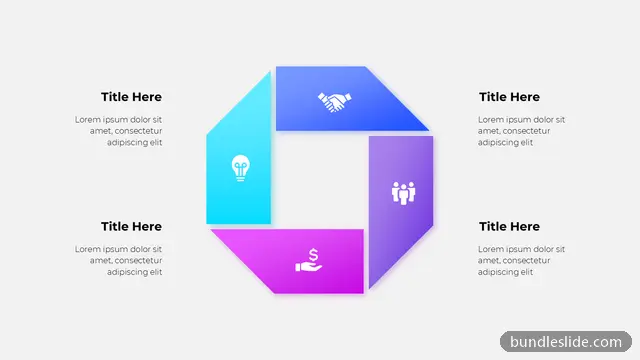
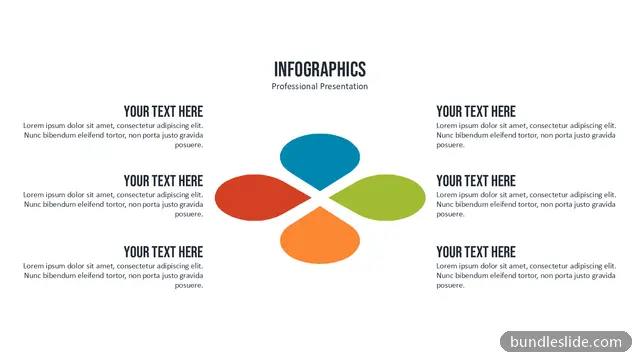
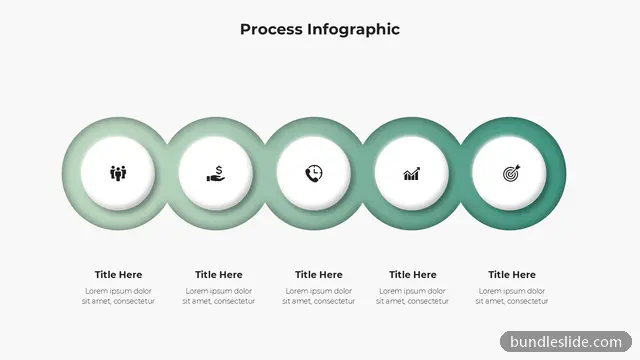
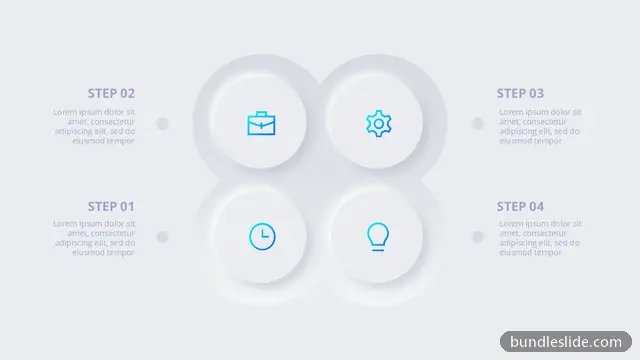
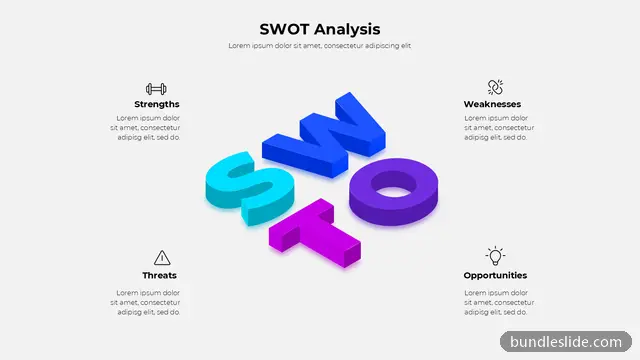
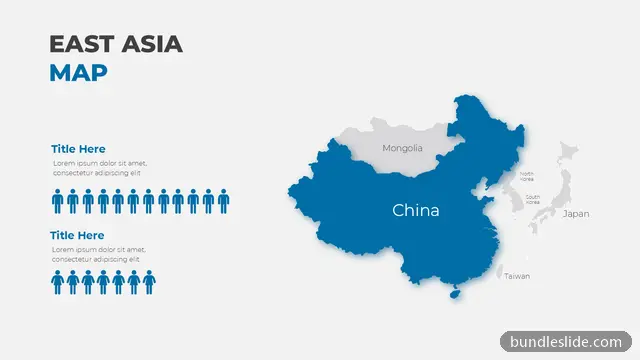
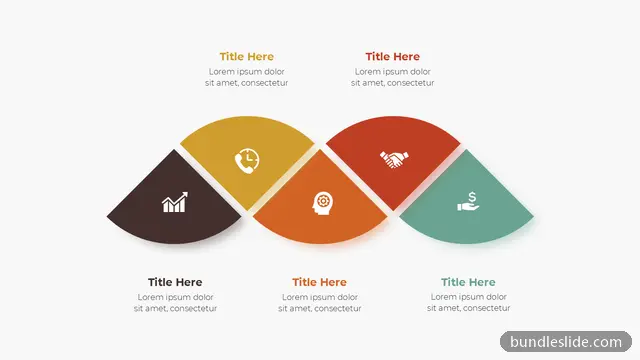
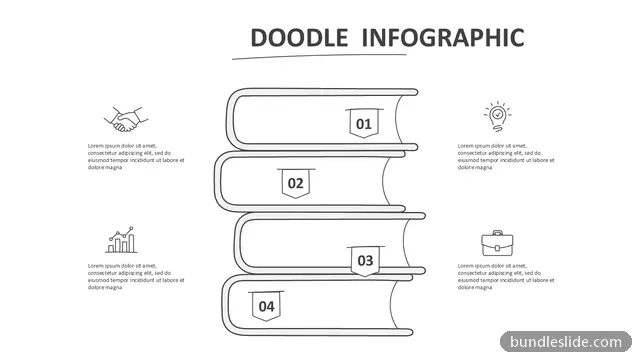
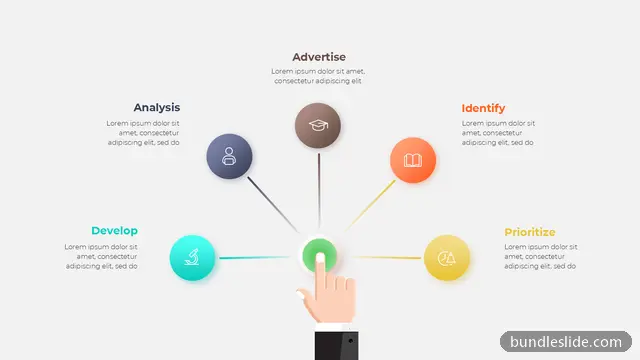
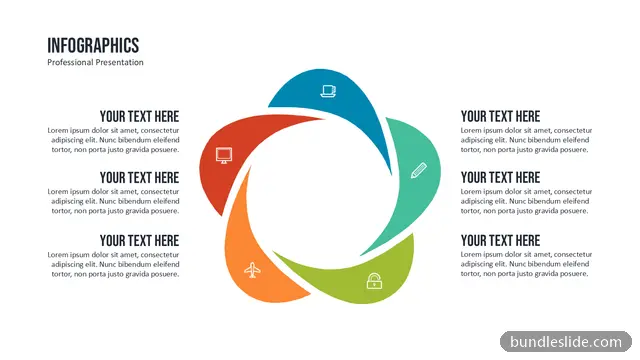
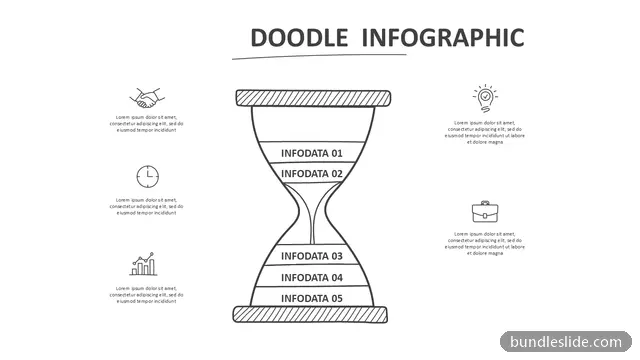
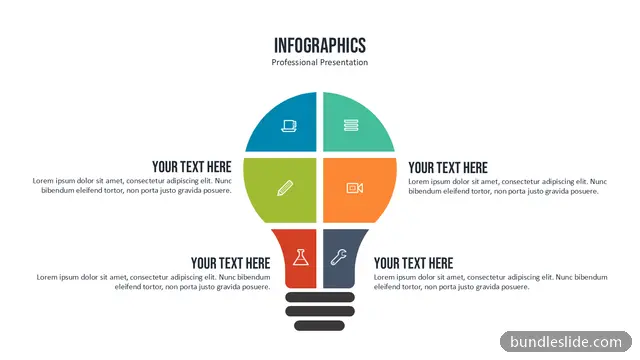
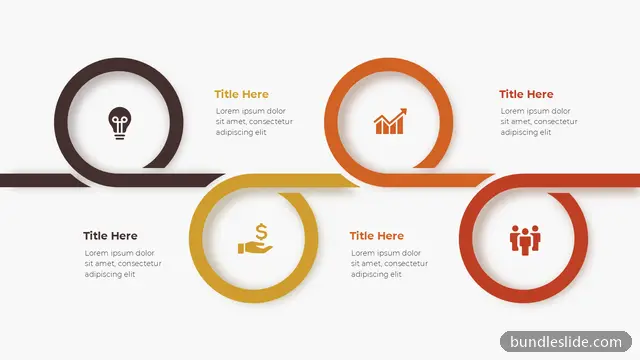
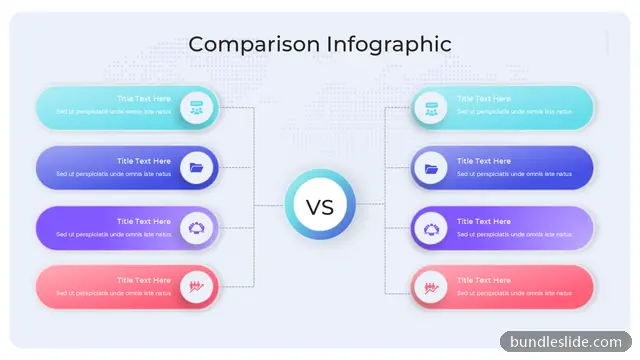
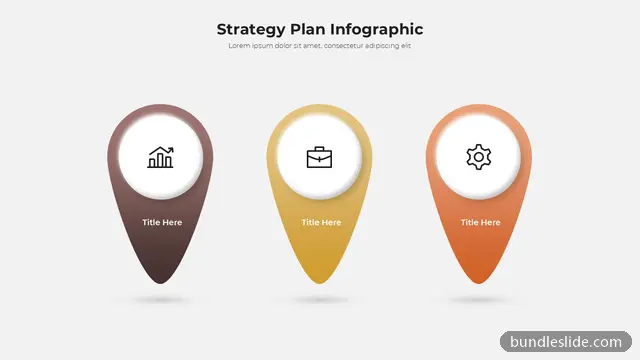
These are 24 of 2,386 Icon Infographic slides. Browse them all free →
Yes. Delete an icon and insert another from PowerPoint's built-in Icons (Insert → Icons), then recolour it to match.
Whenever you have a short list of equal points, such as features, services or values. Icons make each point memorable.
Yes. Every slide is a real PowerPoint (.pptx) file, not a picture. You can change the text, colours, icons and layout, and add your own logo, just like any slide you made yourself.
Microsoft PowerPoint gives the best result. The files also open in Google Slides and WPS Office, though some fonts may look slightly different there.
Browsing and searching the whole library is free. Downloading needs a SmartSearch pass, from ₹99 for 30 days of unlimited downloads. It's a one-time payment with no auto-renewal.