997 editable PowerPoint slides · browse free · download from ₹99
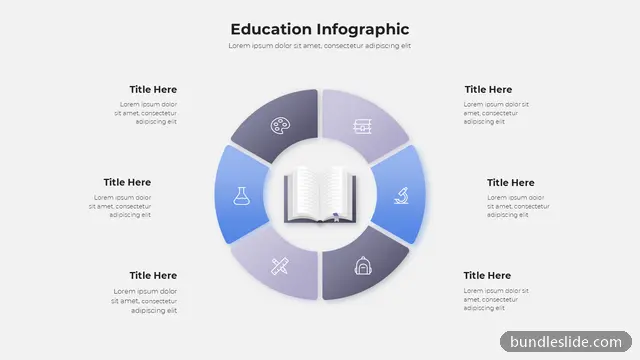
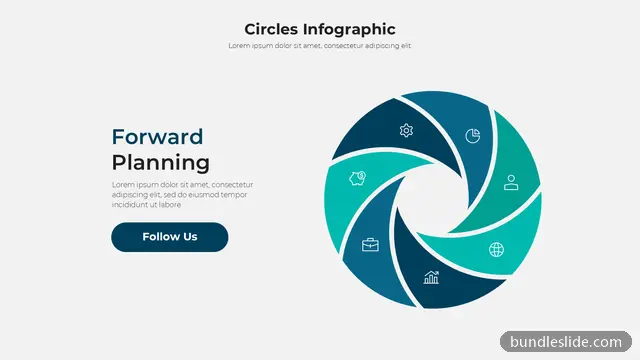
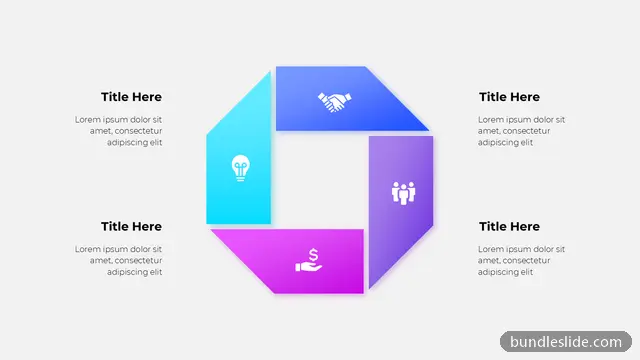
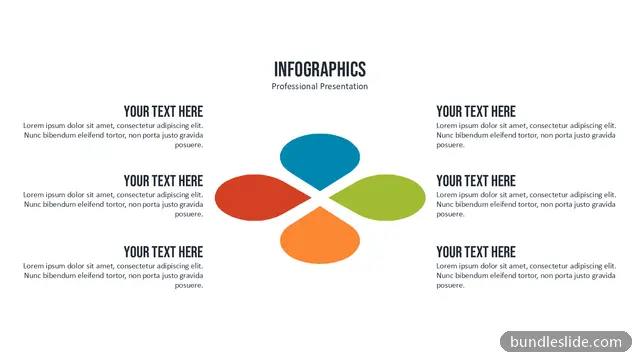
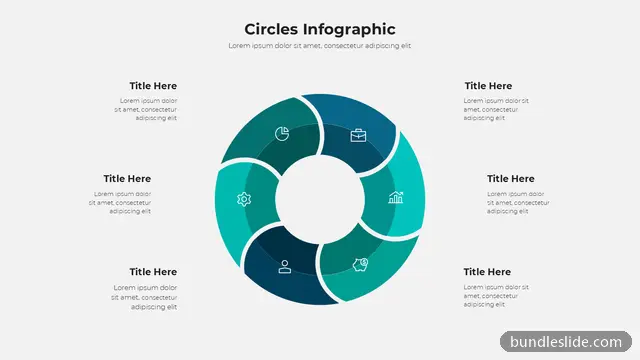
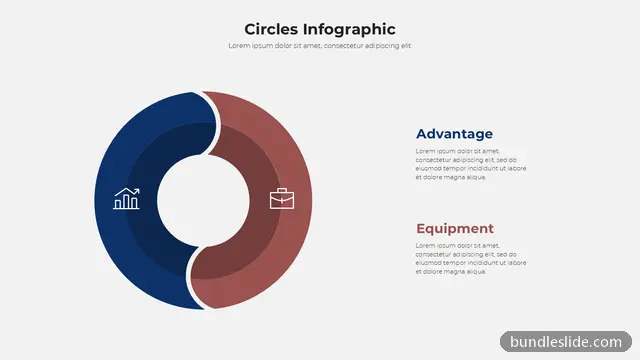
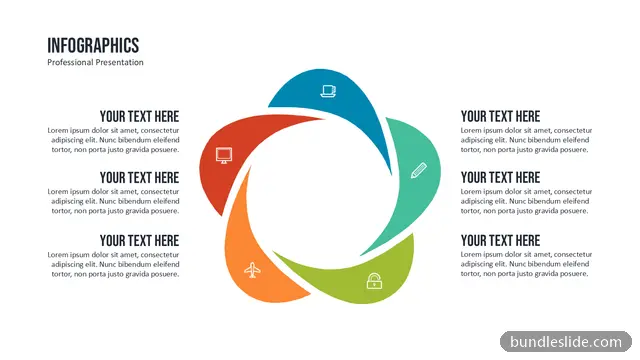
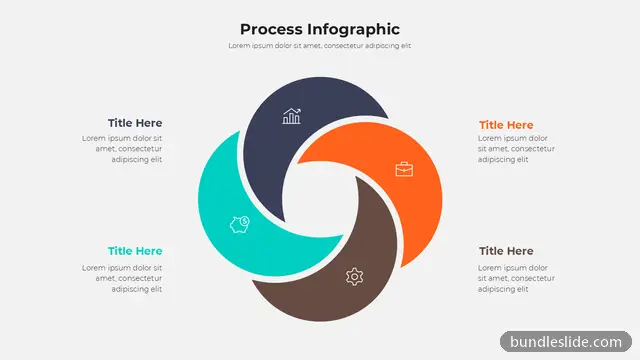
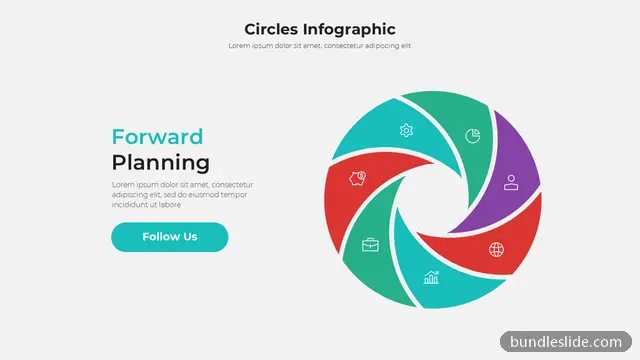
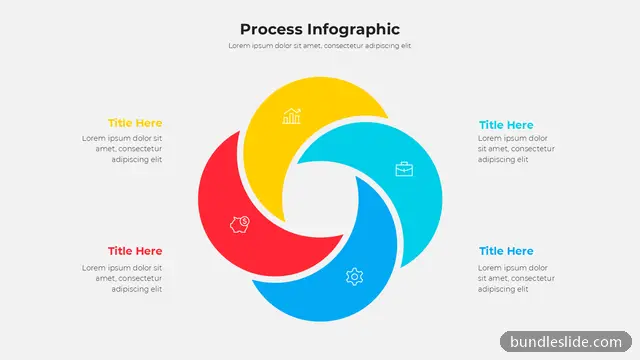
A circular diagram arranges ideas around a centre, which makes it perfect for showing parts of a whole, a central goal with supporting pillars, or stages that feed into each other.
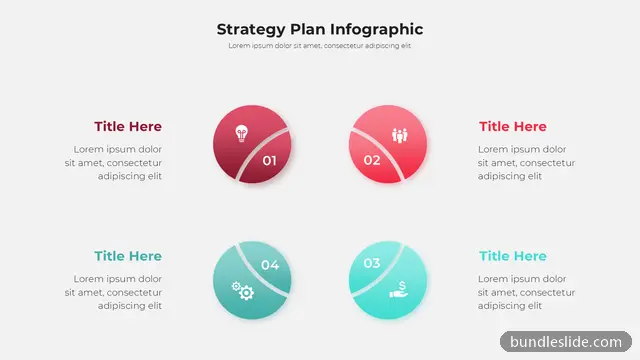
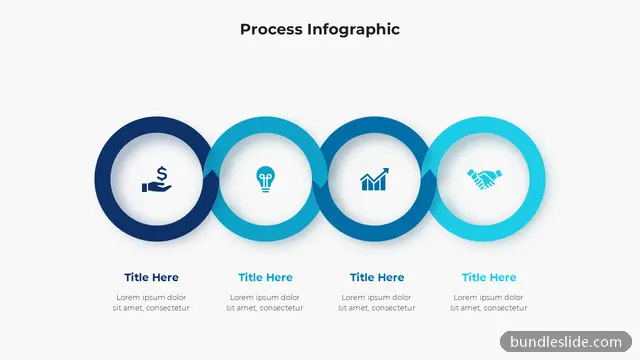
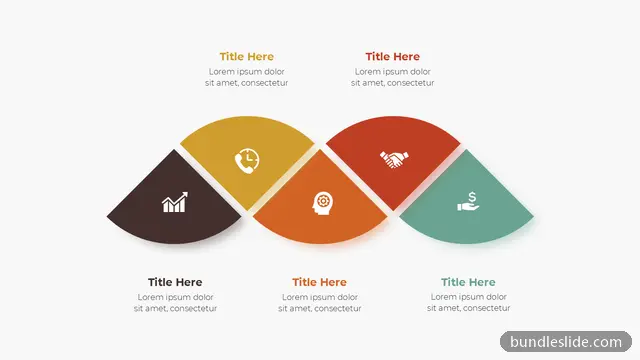
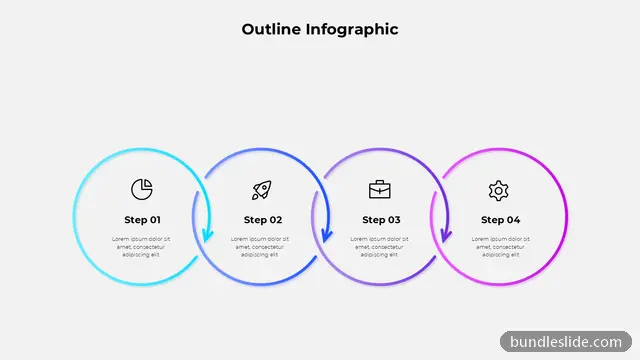
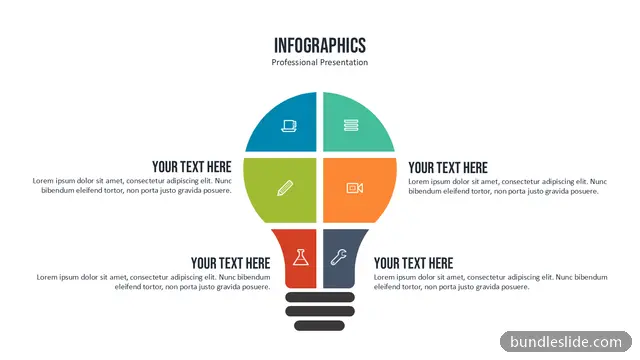
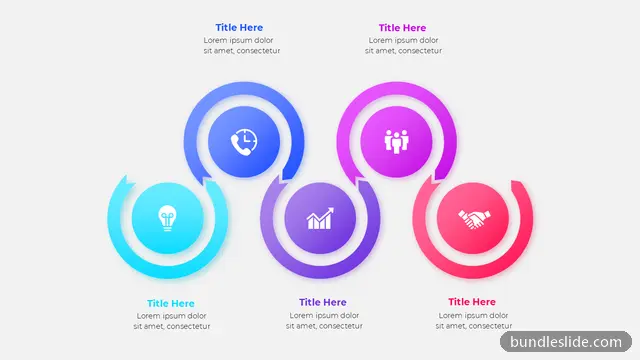
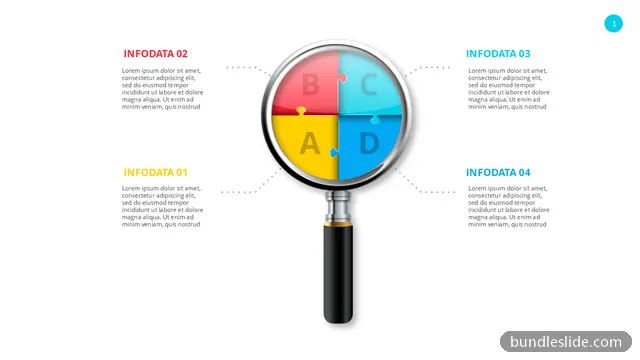
These circular diagram PPT templates include rings, wheels, radial hubs, segmented donuts and orbit layouts with 3 to 8 parts. They add visual variety to decks that are otherwise full of bullet points, and every piece is editable.
When the items are equal in importance or connected to one central idea. A list suggests an order or ranking; a circle suggests balance and connection.
Not quite. A cycle shows steps that repeat in order, with arrows. A circular diagram can simply group related parts around a centre.
Yes. Every slide is a real PowerPoint (.pptx) file, not a picture. You can change the text, colours, icons and layout, and add your own logo, just like any slide you made yourself.
Microsoft PowerPoint gives the best result. The files also open in Google Slides and WPS Office, though some fonts may look slightly different there.
Browsing and searching the whole library is free. Downloading needs a SmartSearch pass, from ₹99 for 30 days of unlimited downloads. It's a one-time payment with no auto-renewal.