647 editable PowerPoint slides · browse free · download from ₹99
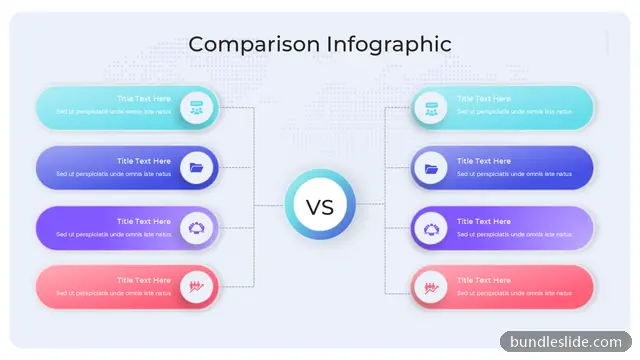
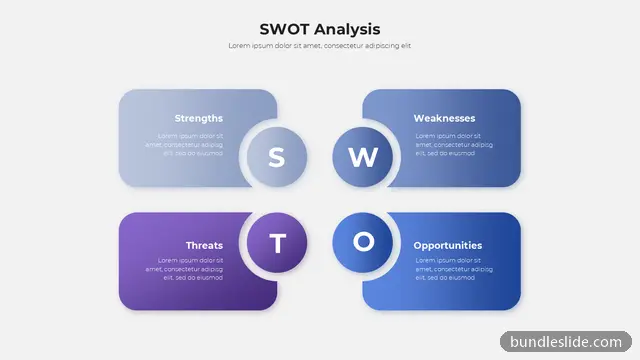
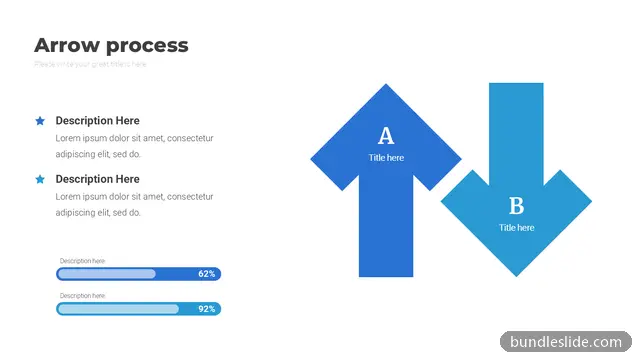
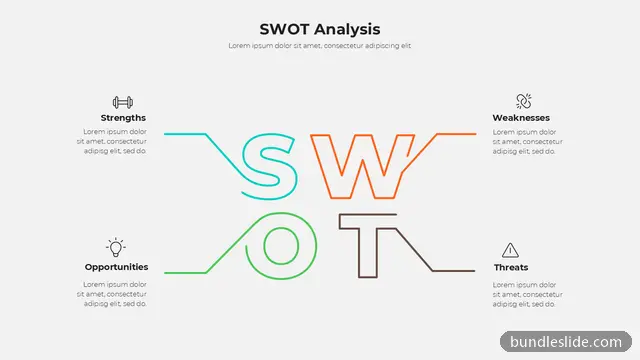
A comparison slide puts two or more options side by side so the difference is obvious: this year vs last year, our product vs a competitor, plan A vs plan B, or pros and cons of a decision.
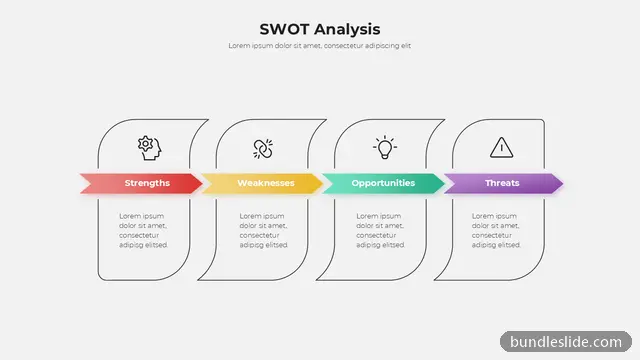
These comparison PPT templates include two-column and multi-column layouts, versus designs, checklists, tables with ticks and crosses, and illustrated before-and-after slides. They help any decision meeting move faster.
Compare the same points for each option, in the same order, and highlight the one or two differences that matter most for the decision.
Yes. Many designs have three or four columns, which suit pricing plans, vendor choices or product variants.
Yes. Every slide is a real PowerPoint (.pptx) file, not a picture. You can change the text, colours, icons and layout, and add your own logo, just like any slide you made yourself.
Microsoft PowerPoint gives the best result. The files also open in Google Slides and WPS Office, though some fonts may look slightly different there.
Browsing and searching the whole library is free. Downloading needs a SmartSearch pass, from ₹99 for 30 days of unlimited downloads. It's a one-time payment with no auto-renewal.