436 editable PowerPoint slides · browse free · download from ₹99
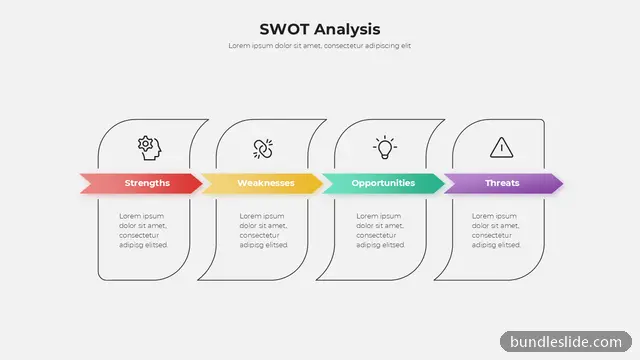
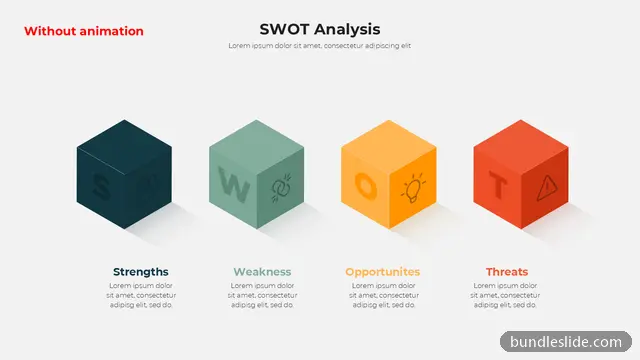
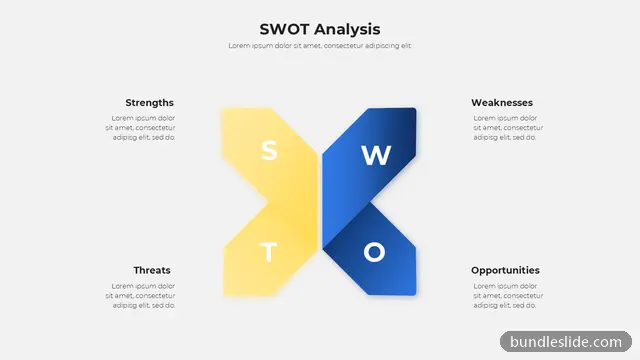
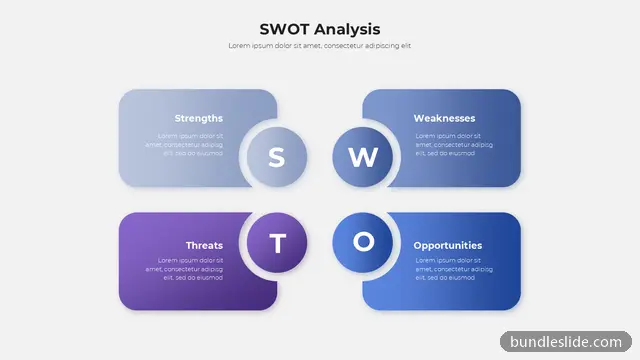
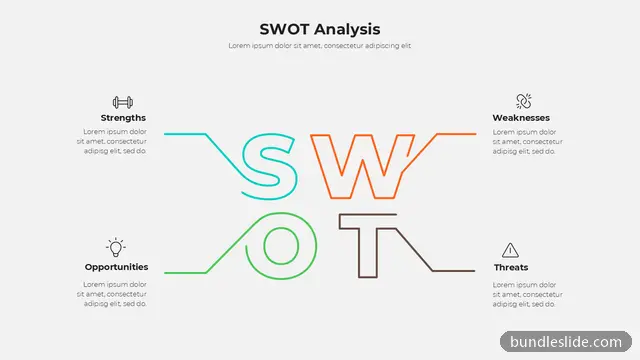
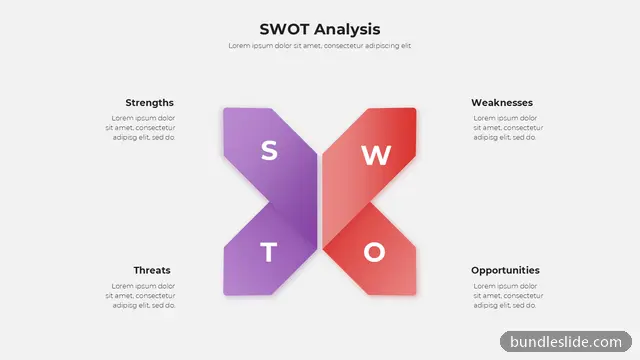
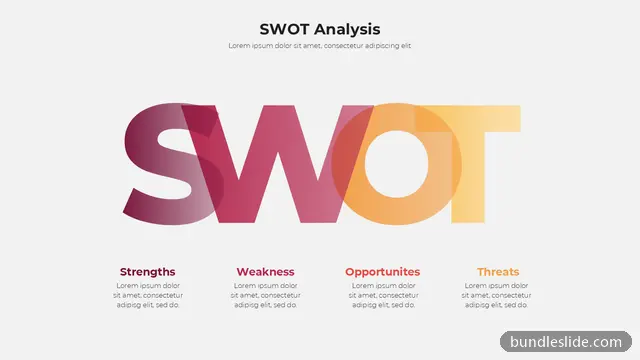
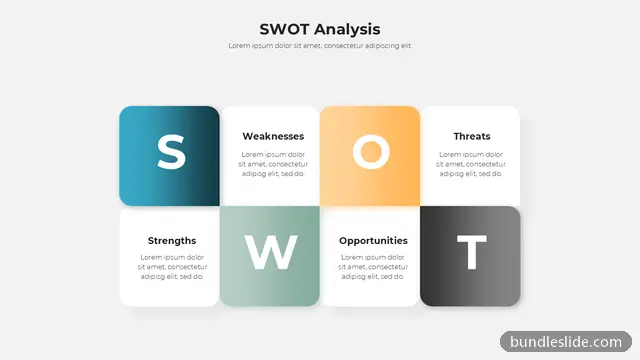
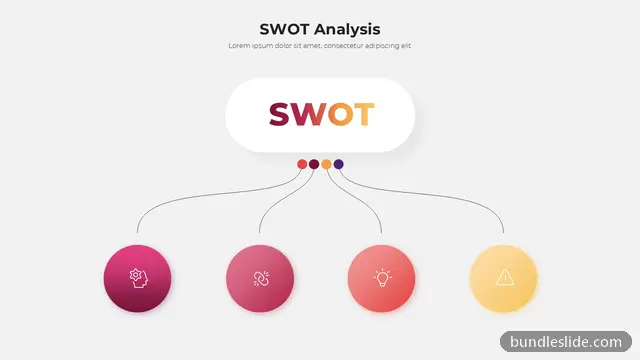
A SWOT analysis slide puts strengths, weaknesses, opportunities and threats side by side, so a team can see the whole picture at once. It is one of the most requested slides in strategy meetings, business plans, MBA assignments and client pitches.
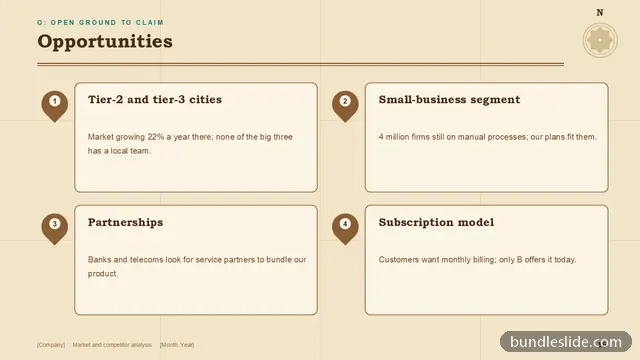
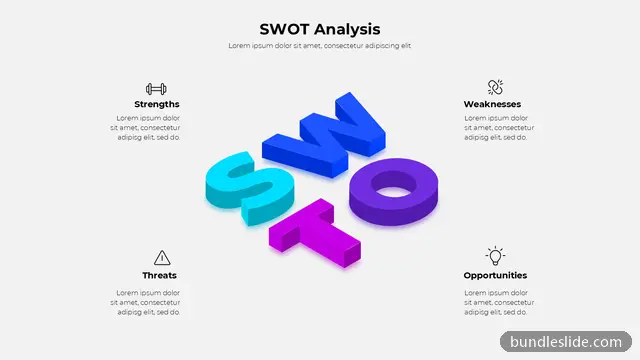
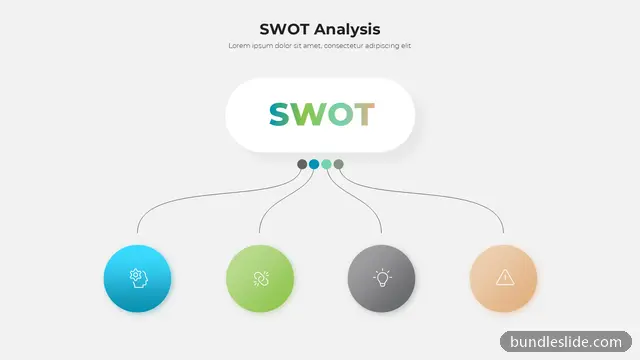
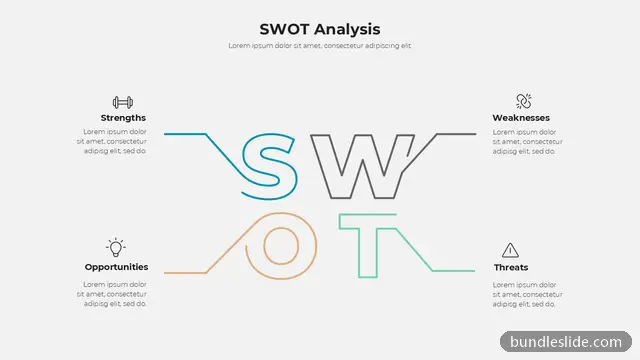
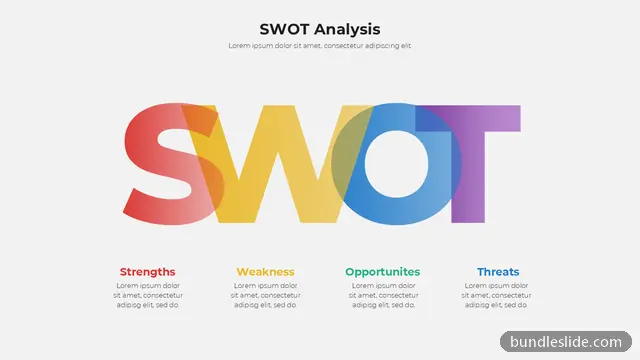
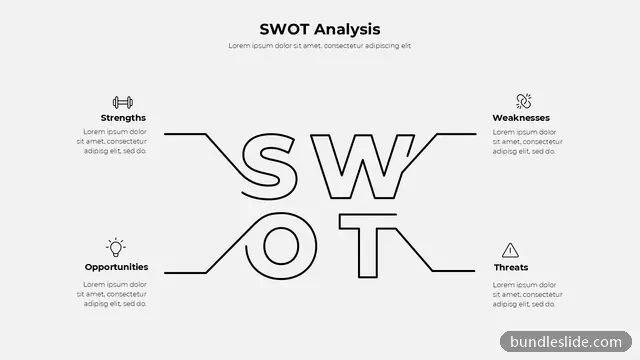
These SWOT analysis PPT templates go beyond the plain four-box grid: circular layouts, icon-led designs, colourful quadrants and minimal versions that suit a board meeting. Each one is fully editable, so you only need to type your points and adjust the colours to your brand.
A SWOT slide is quick to fill in and easy to get wrong. These points keep the analysis useful.
They are things you control: your team, product, brand, process and cash.
They come from the market, customers, competitors, regulation and technology.
Write 'delivery in 48 hours in 12 cities', not 'good logistics'. Numbers and facts make a point credible.
Put the most important first and keep to three to five short points per box.
A SWOT only matters if it leads somewhere. Add a line or a next slide: use strengths to grab opportunities, and fix the weaknesses that threats could exploit.
Use it when you need to judge a product, business unit, project or competitor quickly: in strategy reviews, business plans, investor decks, case-study presentations and college assignments.
Three to five short points per box reads best on screen. Keep each point to one line and move the detail to your speaking notes.
SWOT stands for strengths, weaknesses, opportunities and threats. It is sometimes written S.W.O.T. The first two are internal to the business; the last two come from outside it.
Preview the SWOT slides on this page, open them in SmartSearch, and download any slide as an editable .pptx with a SmartSearch pass from ₹99.
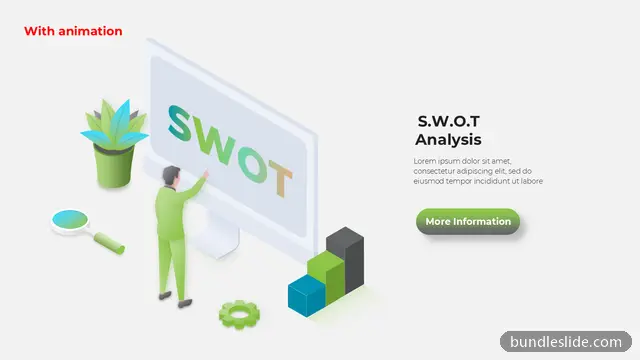
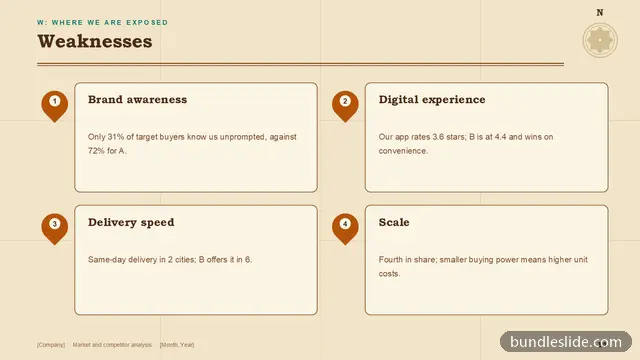
Yes. The slide previews on this page are SWOT analysis examples in different styles. Each one is a real, editable PowerPoint slide you can fill with your own points.
Yes. Every slide is a real PowerPoint (.pptx) file, not a picture. You can change the text, colours, icons and layout, and add your own logo, just like any slide you made yourself.
Microsoft PowerPoint gives the best result. The files also open in Google Slides and WPS Office, though some fonts may look slightly different there.
Browsing and searching the whole library is free. Downloading needs a SmartSearch pass, from ₹99 for 30 days of unlimited downloads. It's a one-time payment with no auto-renewal.
Complete 20 to 30-slide animated presentations, with the same editable design throughout.