1,158 editable PowerPoint slides · browse free · download from ₹99
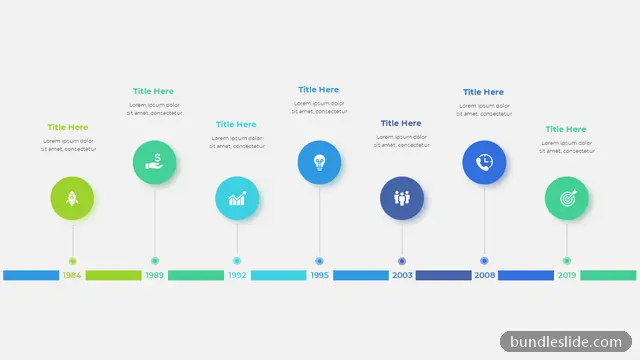
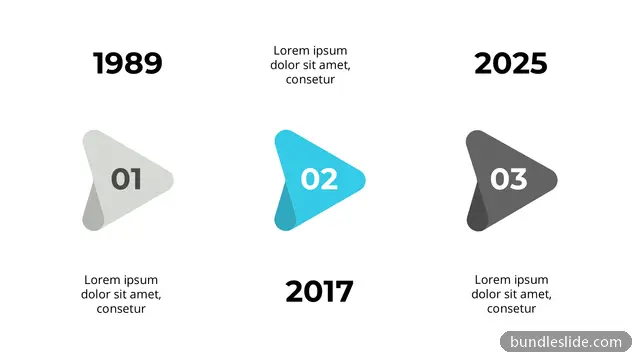
A timeline slide shows what happened, or what will happen, in order. It turns a long list of dates into something the audience understands in seconds, which is why timelines appear in project plans, company introductions, annual reviews and product launches.
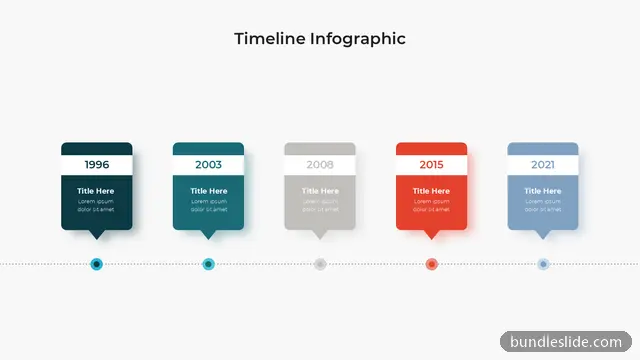
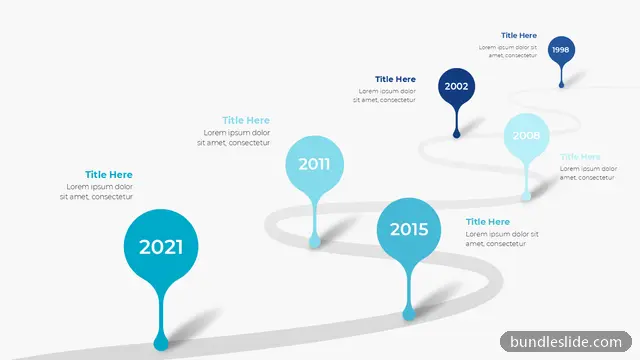
This collection of timeline slide templates for PowerPoint covers horizontal and vertical timelines, zig-zag and circular versions, and layouts with 3 to 10 milestones. Pick one with the right number of steps, type your dates and labels, and the design stays neat.
A good timeline slide needs only three decisions: how many milestones to show, which way it reads, and how much text each milestone gets.
Choose a timeline slide template built for that number. The 3, 4, 5, 6, 7 and 8 step timeline pages above take you straight to the right layout. Too many dates? Group them into phases.
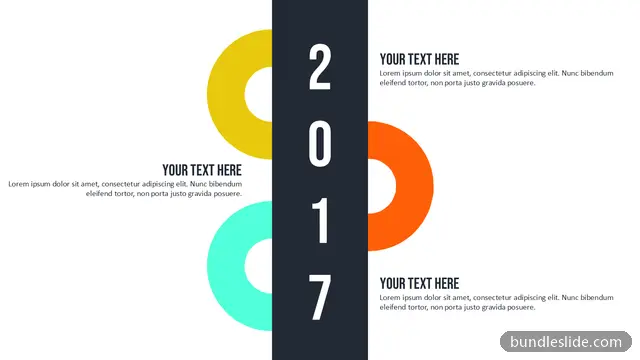
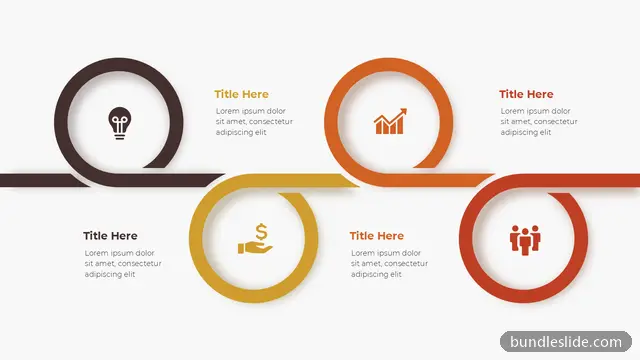
Horizontal timelines suit a past-to-future story on a wide screen. Vertical and zig-zag timelines hold more text per milestone. Circular timelines work for yearly cycles.
A date, a heading of two to four words and one line of detail is enough. Move the rest to your speaker notes.
Click any text to type over it, recolour shapes from the Design tab and swap the icons. Every timeline is a normal PowerPoint slide, so no plug-in is needed.
PowerPoint has a basic option: Insert, SmartArt, Process, Basic Timeline. A ready-made timeline slide template saves the design time and usually looks more polished.
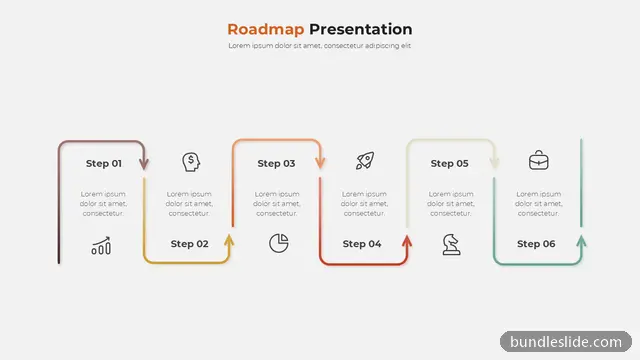
If you are showing planned work and priorities rather than dated events, a roadmap slide is the better fit.
Most designs here show 4 to 8 milestones clearly. If you have more, split the story across two slides or group smaller events under one milestone.
A timeline usually shows events with dates, often past ones. A roadmap shows planned work or goals ahead, often grouped by quarter or phase.
Right here. Preview the timeline slides on this page, open the full set in SmartSearch, and download any slide as an editable .pptx with a SmartSearch pass from ₹99.
They open in Google Slides, but fonts and some effects may change. For the best result use PowerPoint 2019 or Microsoft 365.
Yes. Every slide is a real PowerPoint (.pptx) file, not a picture. You can change the text, colours, icons and layout, and add your own logo, just like any slide you made yourself.
Microsoft PowerPoint gives the best result. The files also open in Google Slides and WPS Office, though some fonts may look slightly different there.
Browsing and searching the whole library is free. Downloading needs a SmartSearch pass, from ₹99 for 30 days of unlimited downloads. It's a one-time payment with no auto-renewal.
Complete 20 to 30-slide animated presentations, with the same editable design throughout.