305 editable PowerPoint slides · browse free · download from ₹99
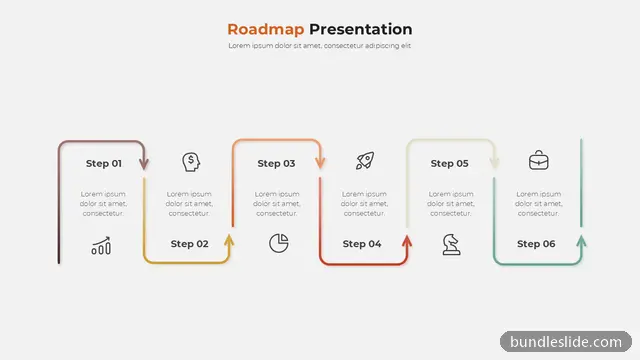
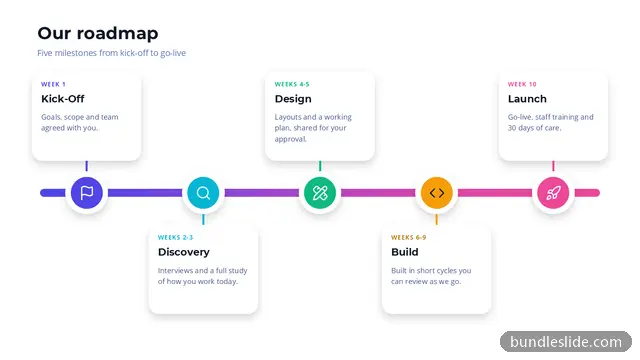
A roadmap slide shows where you are going and the stops along the way: product releases, strategic goals, project phases or a digital transformation plan laid out over months, quarters or years.
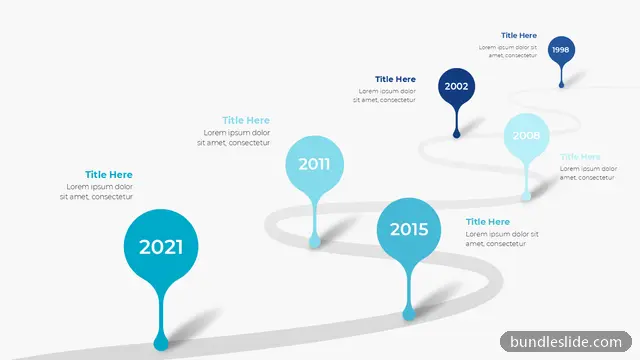
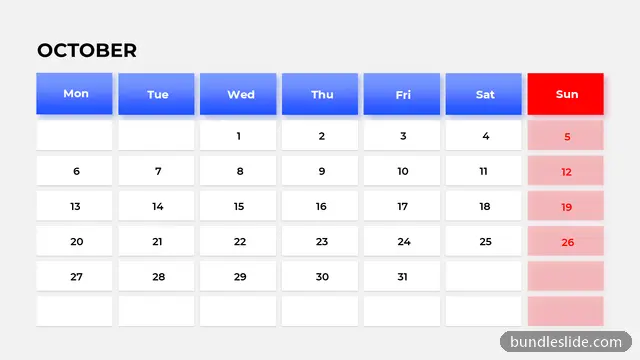
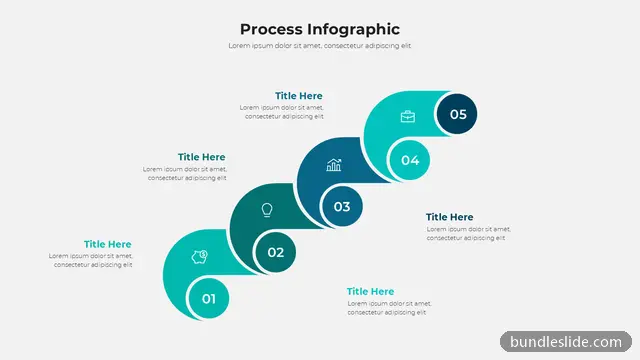
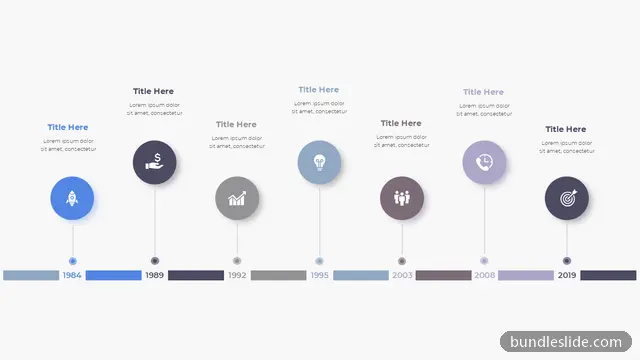
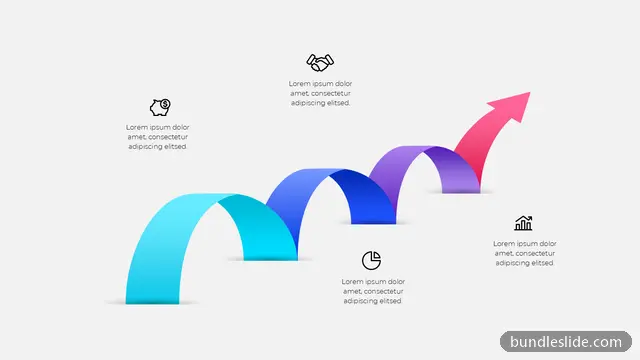
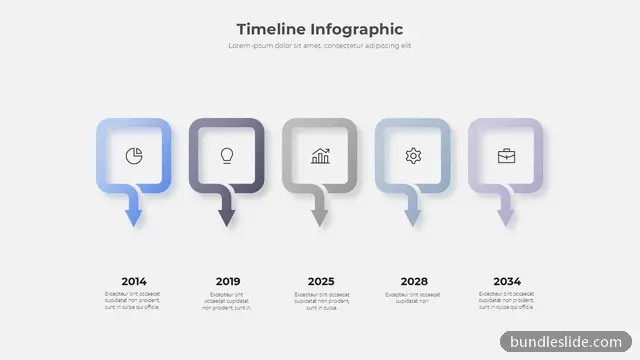
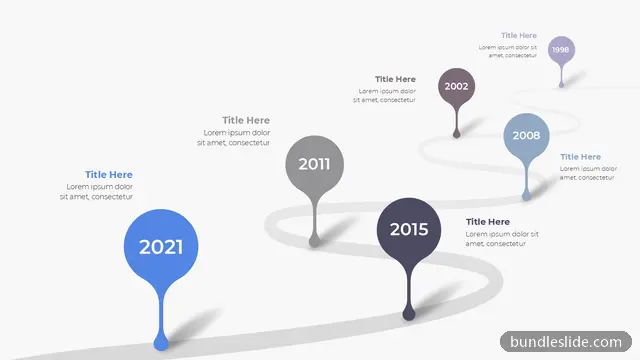
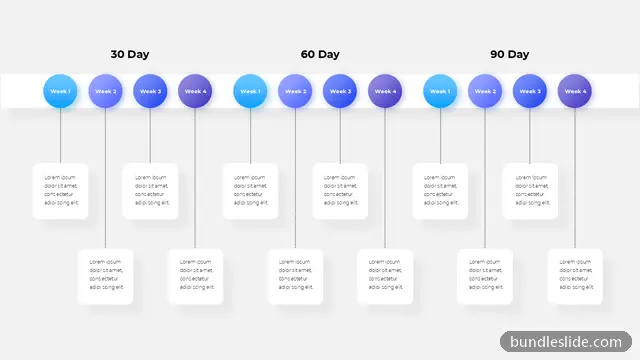
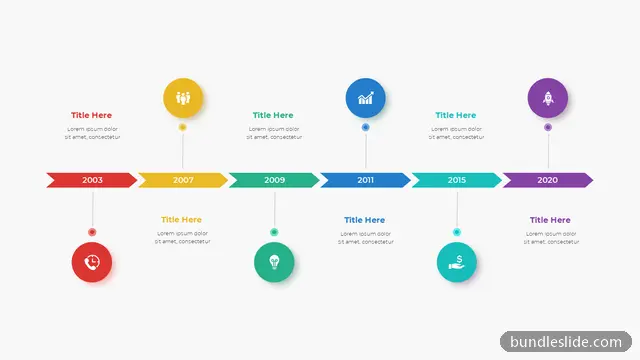
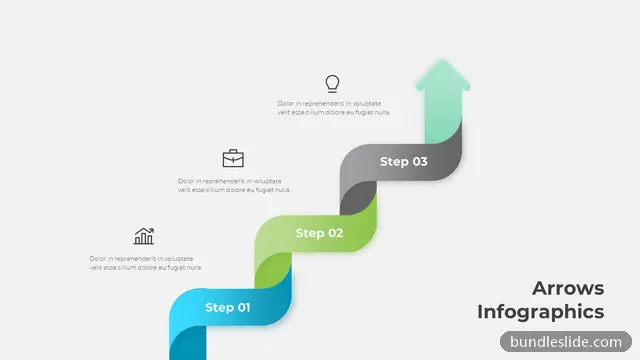
These roadmap slide templates for PowerPoint include road and path illustrations, swimlane plans, quarterly grids and milestone journeys. They make plans easy to approve in leadership reviews and easy to follow for the team.
A roadmap slide works when it shows direction and priorities at a glance. These five habits keep it that way.
Choose months, quarters or years and keep to three or four phases on one slide. If the plan is longer, split it across two slides.
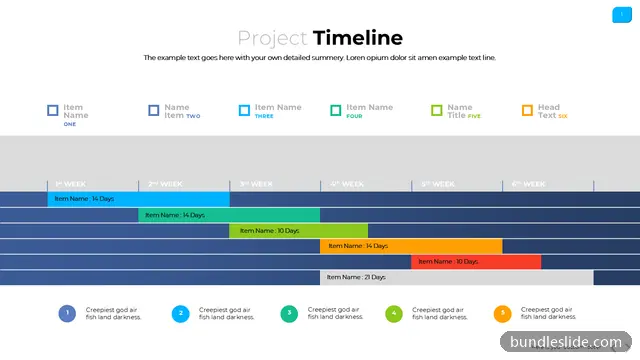
If several teams contribute, pick a swimlane roadmap: one row per team and the phases across the top.
Give each phase one outcome, such as 'launch in two new cities', followed by two or three key deliverables.
Use two colours or a dashed outline for 'committed' and 'planned', so nobody treats a draft as a promise.
Leadership wants the big picture on one slide. Keep task-level detail in an appendix slide or the project plan.
Show phases and major milestones, not every task. Leadership wants direction and timing; the task-level plan can sit in an appendix.
Yes. Change the phase labels to Q1–Q4, months, or years; the layouts work for any time unit.
A roadmap slide shows planned work or goals over time, usually grouped into phases, quarters or years. It answers 'where are we going and in what order?' for product plans, strategy and projects.
Preview the roadmap slides on this page, open them in SmartSearch, and download any slide as an editable .pptx with a SmartSearch pass from ₹99.
Yes. Every slide is a real PowerPoint (.pptx) file, not a picture. You can change the text, colours, icons and layout, and add your own logo, just like any slide you made yourself.
Microsoft PowerPoint gives the best result. The files also open in Google Slides and WPS Office, though some fonts may look slightly different there.
Browsing and searching the whole library is free. Downloading needs a SmartSearch pass, from ₹99 for 30 days of unlimited downloads. It's a one-time payment with no auto-renewal.
Complete 20 to 30-slide animated presentations, with the same editable design throughout.