66 editable PowerPoint slides · browse free · download from ₹99
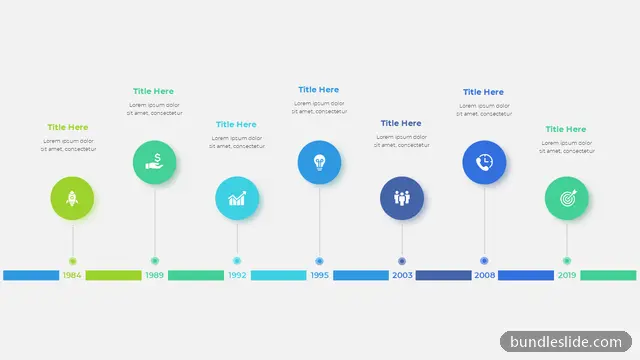
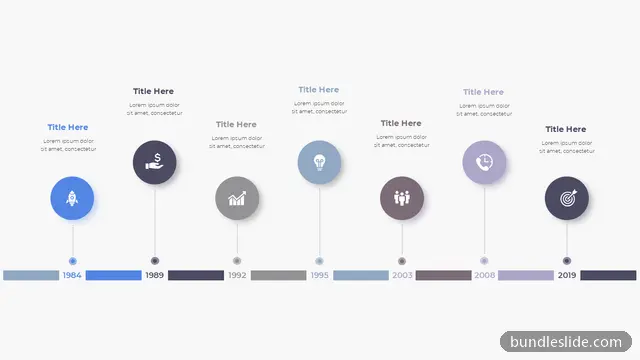
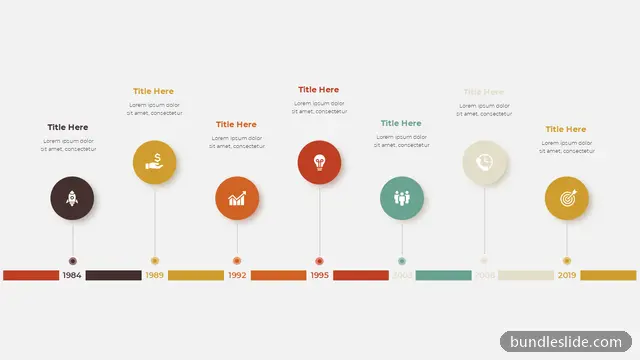
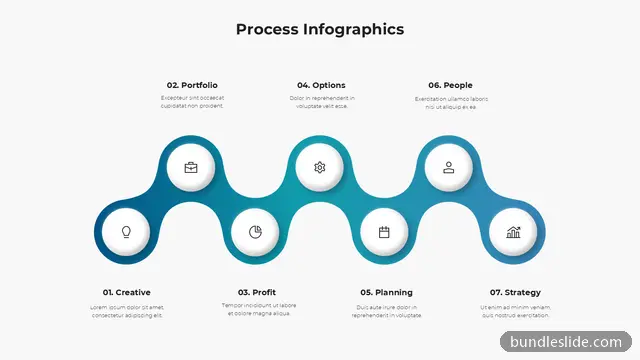
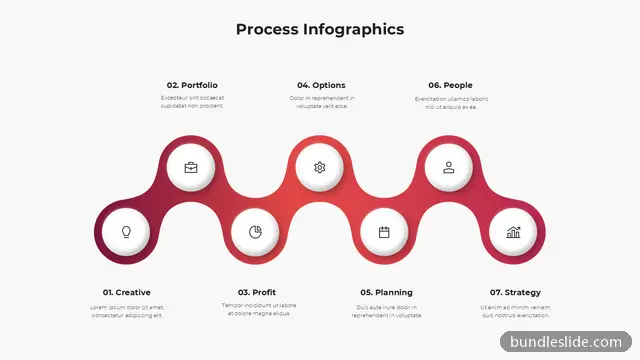
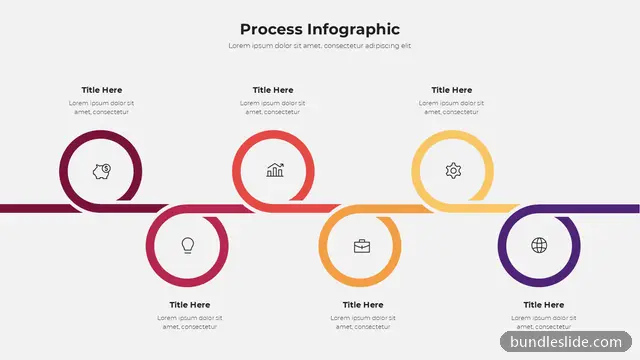
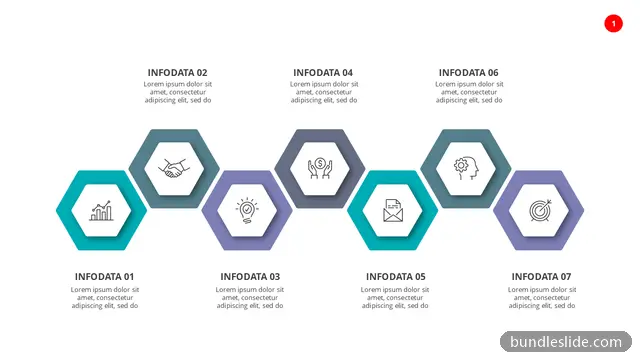
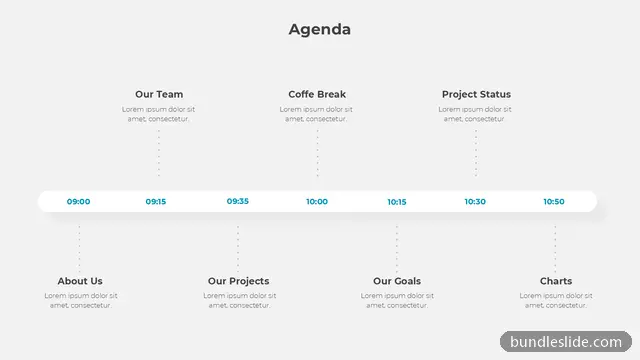
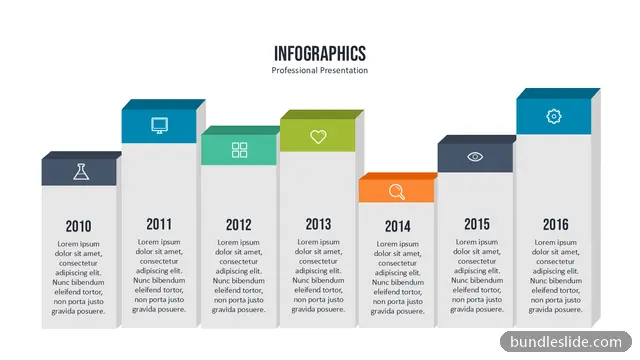
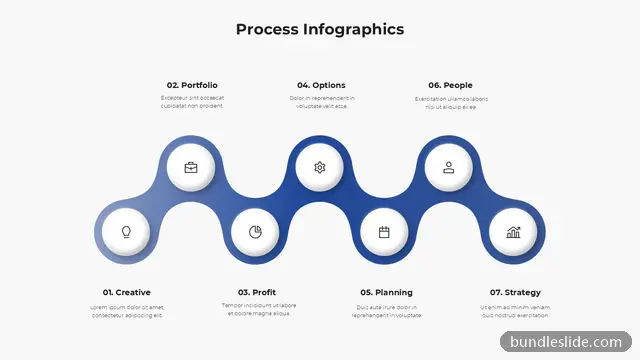
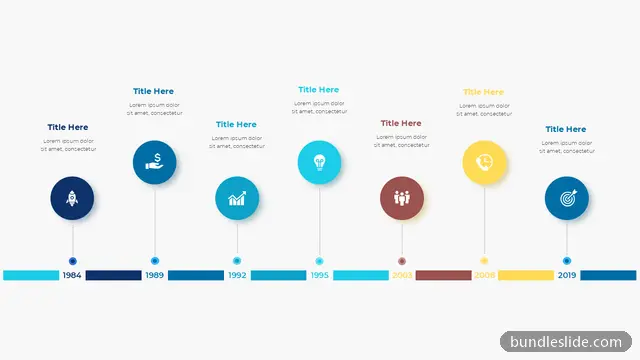
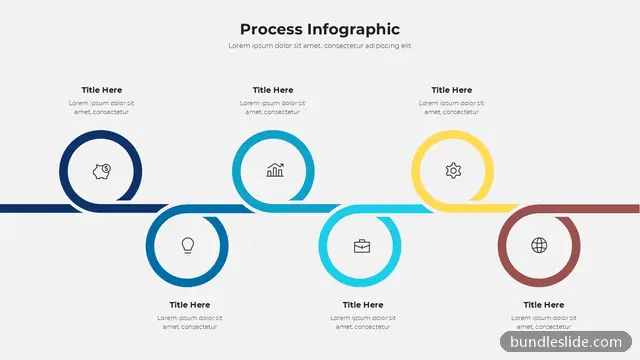
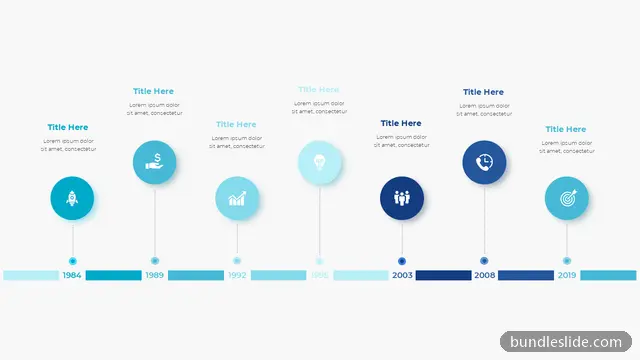
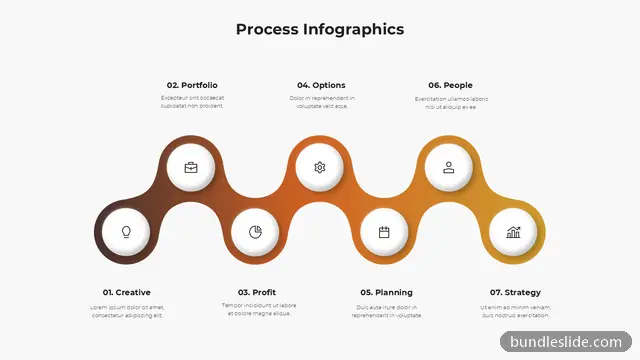
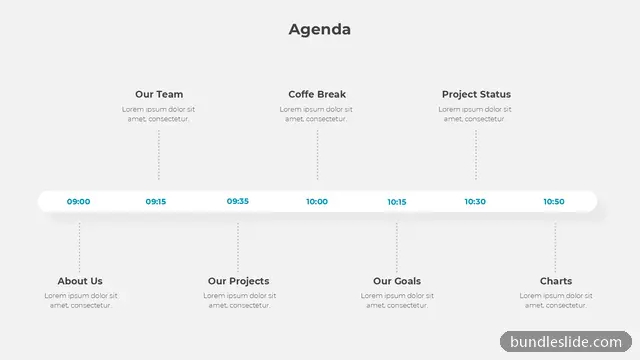
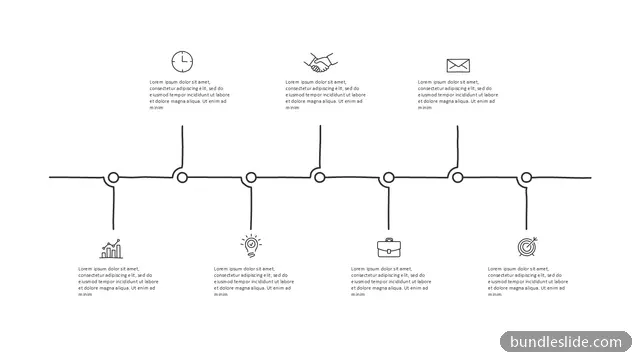
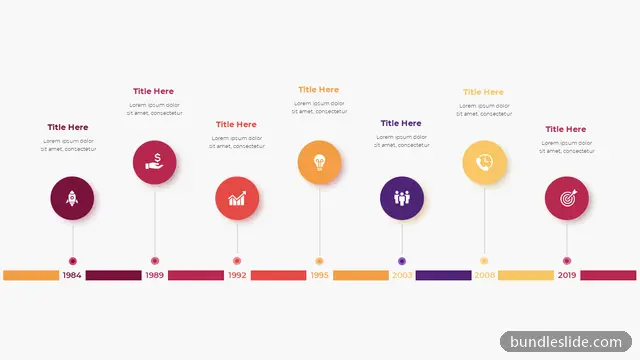
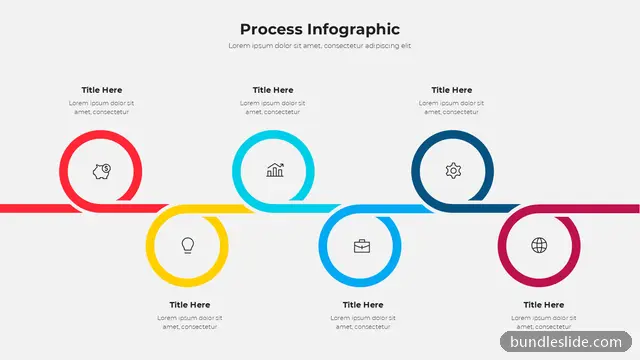
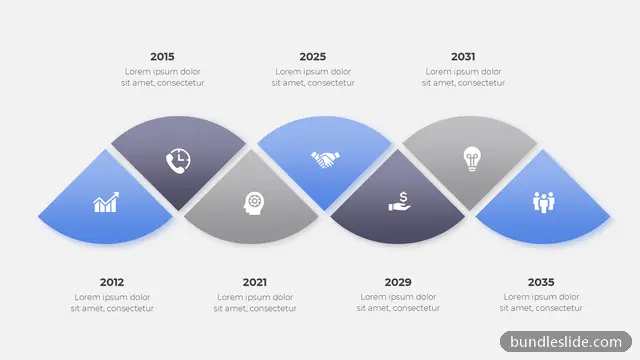
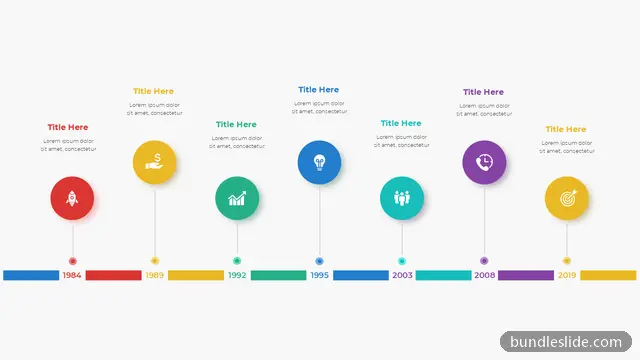
Seven milestones fit a week-long event plan, a product's history, or a long project with many checkpoints. A 7 step timeline keeps everything on one slide so the audience sees the full schedule at once.
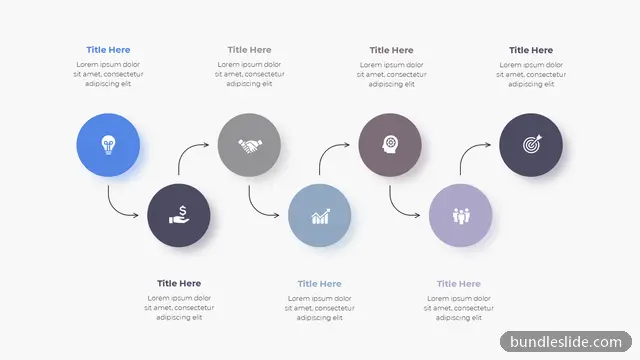
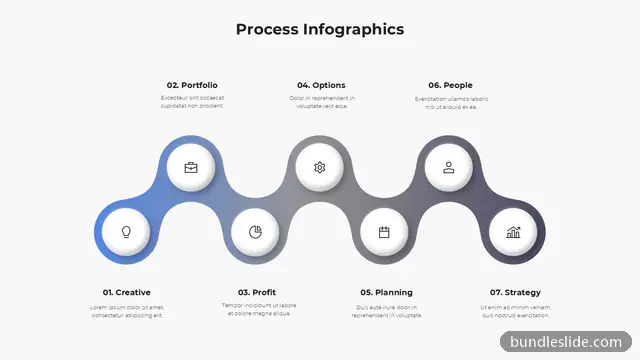
The layouts include winding paths, two-level timelines and arrows with alternating labels. Edit the dates, headings and colours directly in PowerPoint.
Yes. Put one day on each milestone; it works well for conferences, training weeks and launch countdowns.
Make that point larger or give it your accent colour. PowerPoint lets you resize and recolour each point separately.
Yes. Every slide is a real PowerPoint (.pptx) file, not a picture. You can change the text, colours, icons and layout, and add your own logo, just like any slide you made yourself.
Microsoft PowerPoint gives the best result. The files also open in Google Slides and WPS Office, though some fonts may look slightly different there.
Browsing and searching the whole library is free. Downloading needs a SmartSearch pass, from ₹99 for 30 days of unlimited downloads. It's a one-time payment with no auto-renewal.