383 editable PowerPoint slides · browse free · download from ₹99
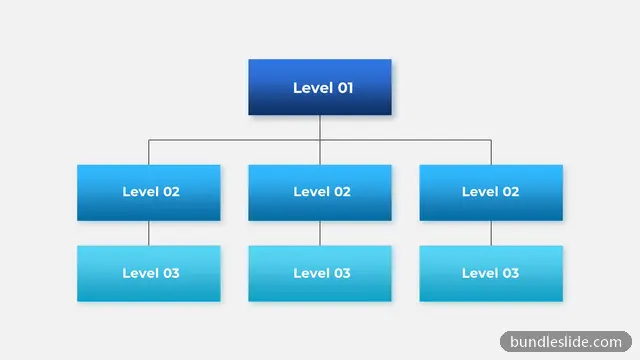
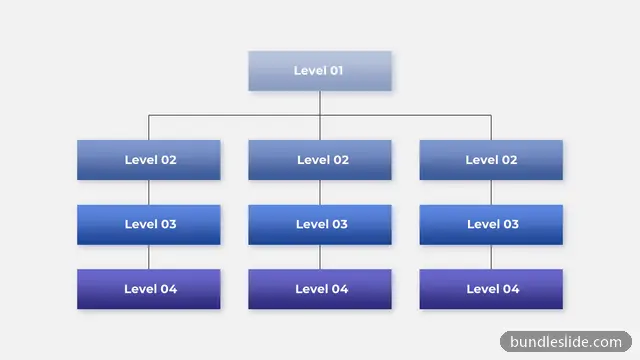
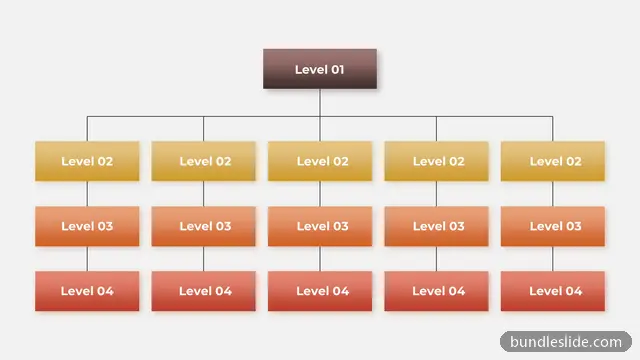
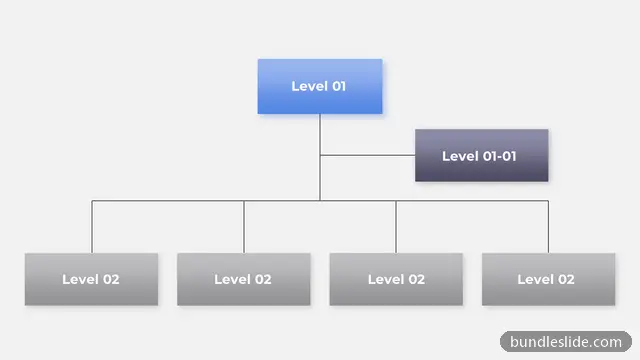
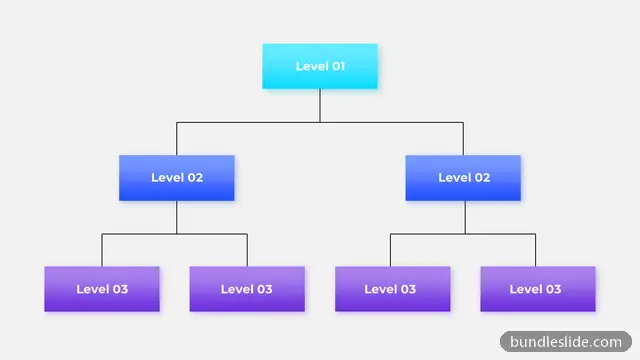
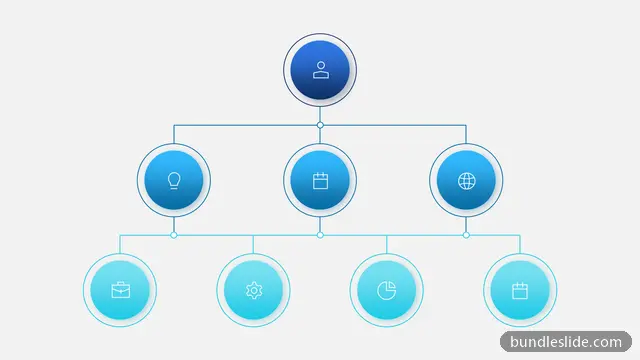
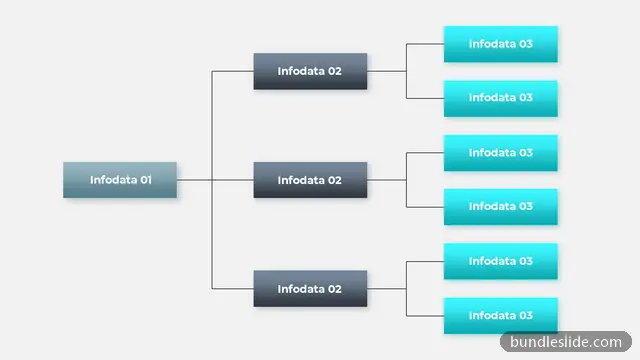
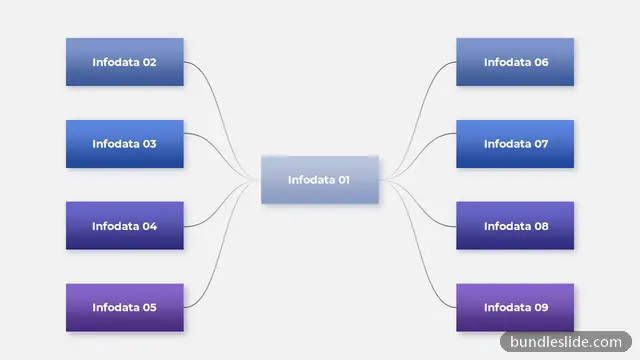
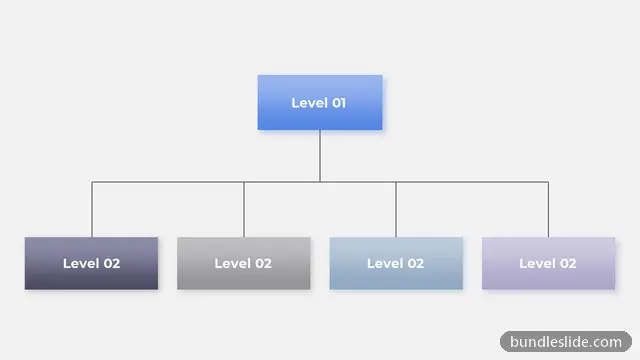
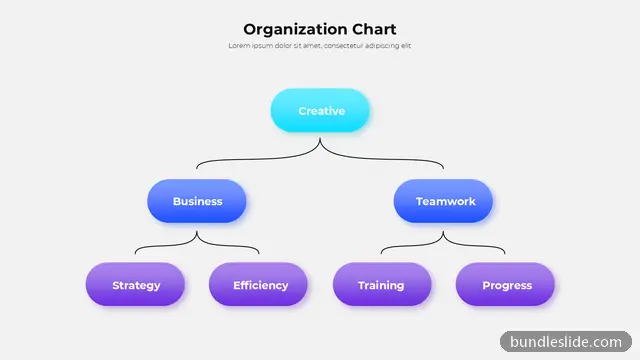
An organisation chart shows who reports to whom. It is essential in company introductions, onboarding decks, restructuring updates, project team slides and client proposals that introduce your delivery team.
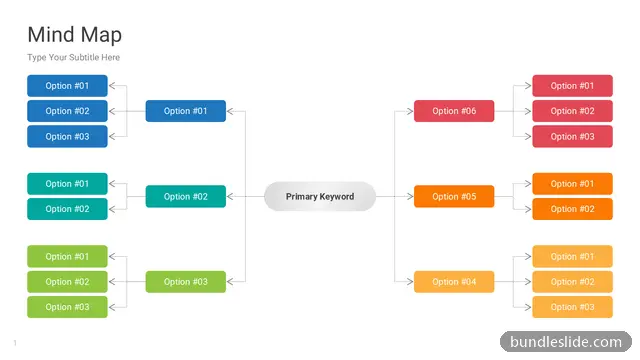
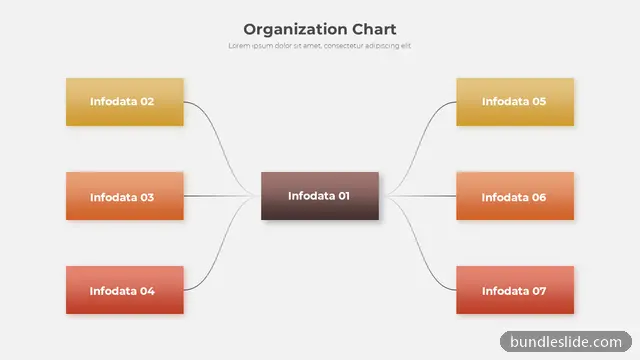
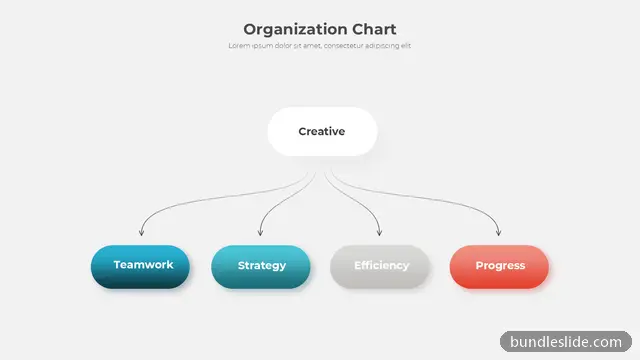
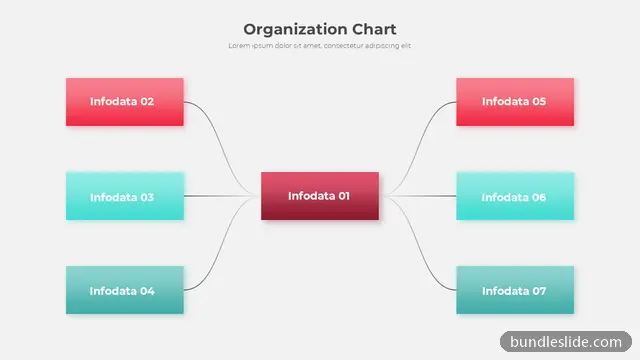
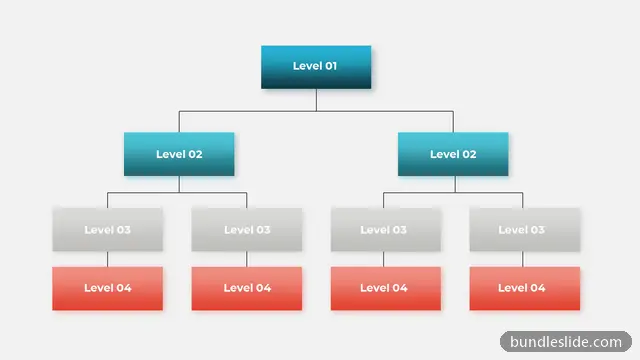
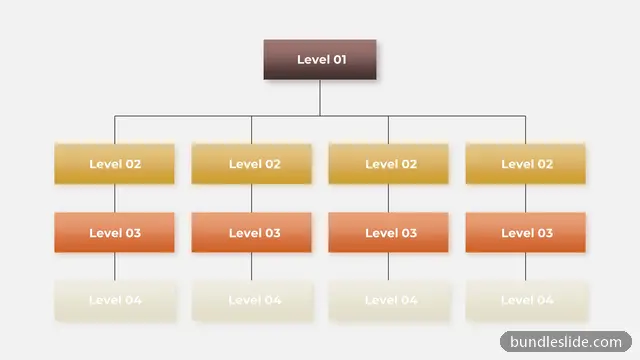
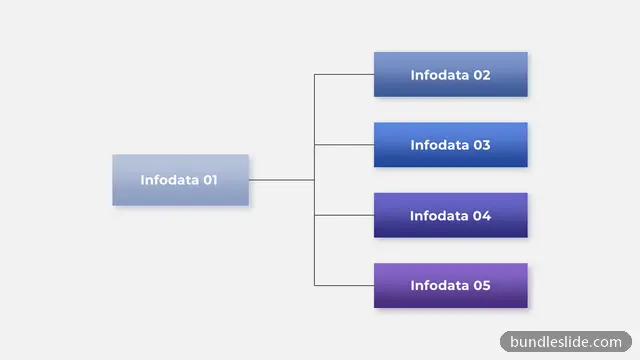
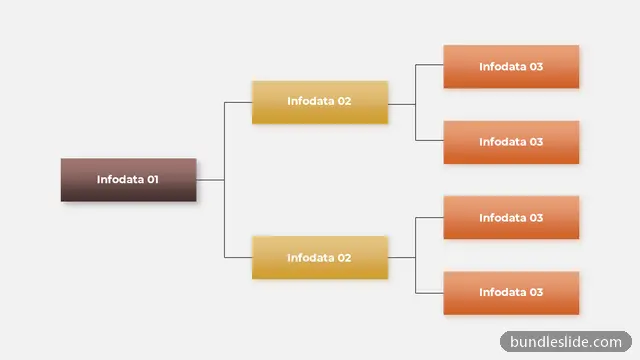
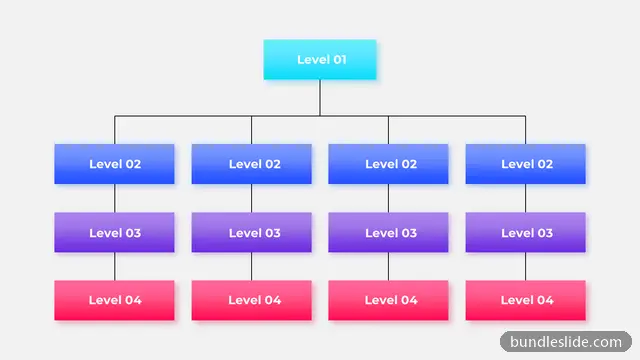
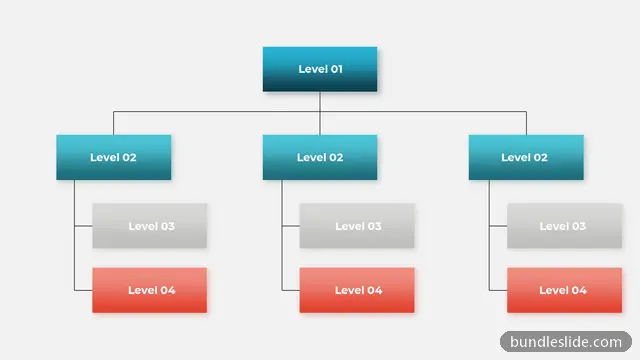
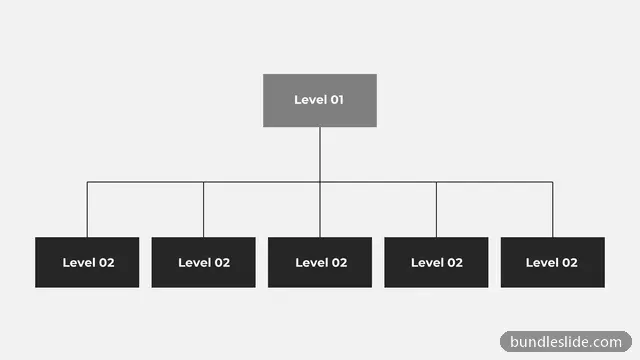
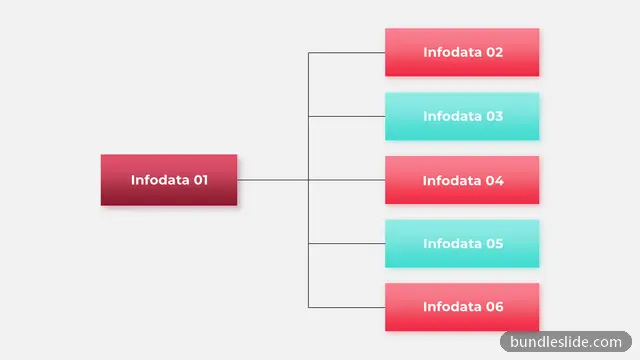
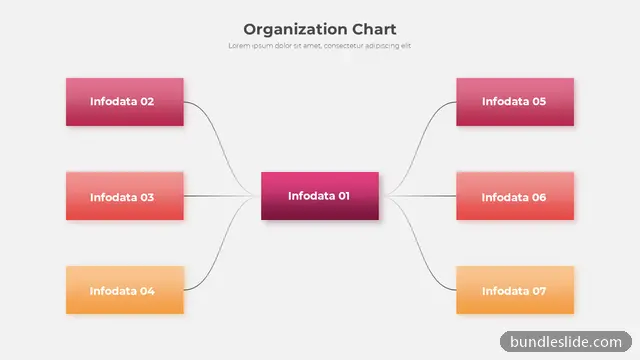
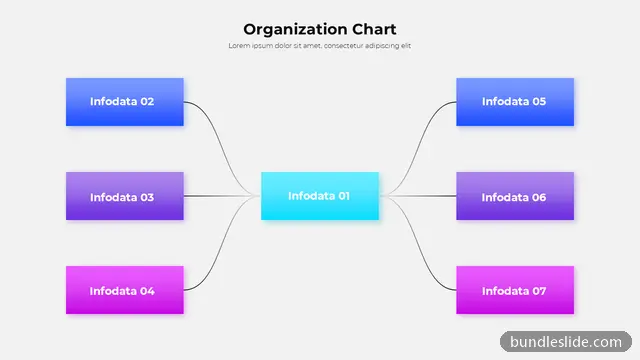
These org chart templates include top-down trees, horizontal structures, photo-based team charts and department layouts for small teams and larger organisations. Replace the names, titles and photos, and add or remove boxes as needed.
Yes. Where a design has photo circles or boxes, right-click the shape and use a picture fill, or PowerPoint's Change Picture option on an existing photo.
Show the top two or three levels on one slide, then use separate slides for each department's detail.
Yes. Every slide is a real PowerPoint (.pptx) file, not a picture. You can change the text, colours, icons and layout, and add your own logo, just like any slide you made yourself.
Microsoft PowerPoint gives the best result. The files also open in Google Slides and WPS Office, though some fonts may look slightly different there.
Browsing and searching the whole library is free. Downloading needs a SmartSearch pass, from ₹99 for 30 days of unlimited downloads. It's a one-time payment with no auto-renewal.