757 editable PowerPoint slides · browse free · download from ₹99
The title slide is the first thing your audience sees, often while everyone is still settling in. A clean, professional cover sets the tone for the whole presentation and makes an internal report look as polished as a client pitch.
These title slide templates for PowerPoint include photo-led covers, bold typographic designs, minimal corporate layouts and illustrated covers for training and education. Add your presentation title, your name and date, and your logo.
The best title slide depends on the audience. Here are five styles that work, with the situations they suit.
A full-width photo with the title over a dark overlay. Good for brand, sales and event presentations.
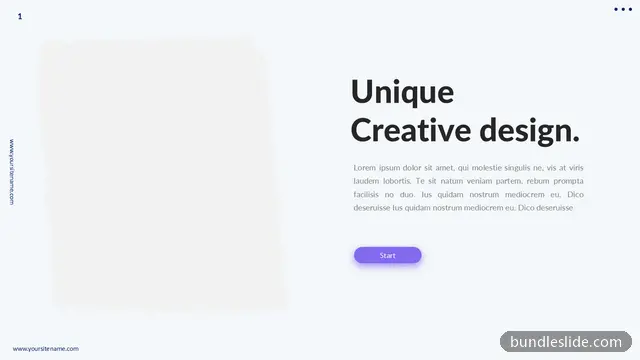
A big title and almost no decoration. It works for strategy reviews and anything that must look confident and serious.
White space, your logo and one thin accent line. The safe choice for internal reports and board packs.
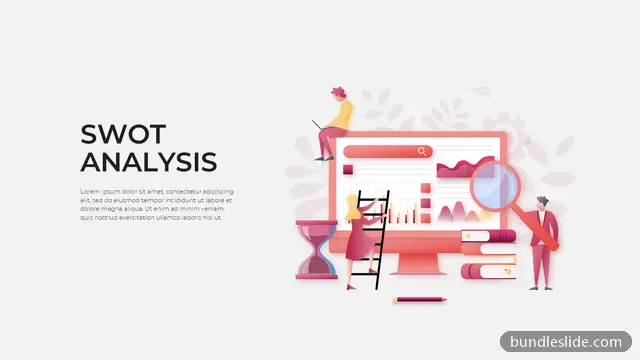
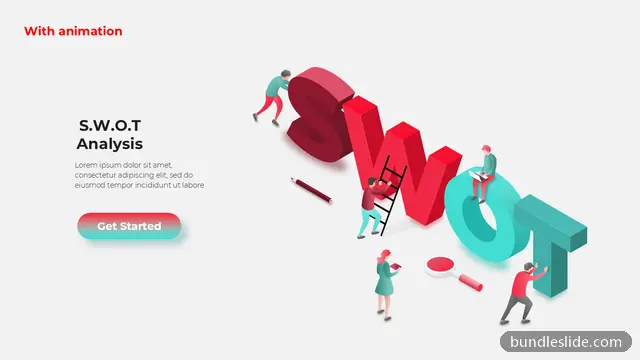
Icons or drawings that hint at the topic. They suit training, education and HR presentations.
A dark background with one accent colour. A strong fit for technology, startup and product launch decks.
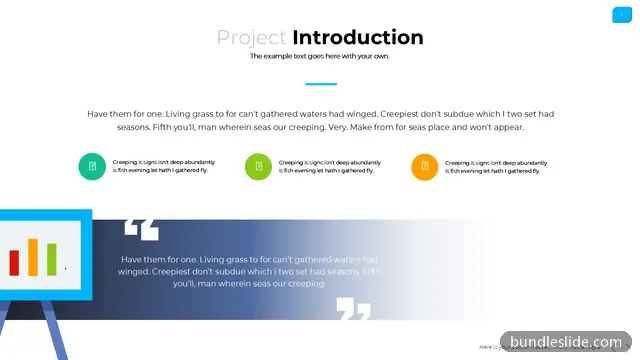
Reuse the cover's colours and fonts on the other slides, so the whole presentation looks like one piece of work.
The presentation title, a short subtitle if needed, your name or team, the date, and your company logo. Keep it uncluttered.
Yes. Pick colours from the title slide and search the library by that colour to find slides that match.
A title slide is the first slide of a presentation. It shows the presentation title, usually with a subtitle, the presenter or team, the date and the company logo, and it sets the tone for everything after it.
Use widescreen 16:9, a title of about six words or fewer in a large size, a one-line subtitle, your name or team, the date, and your logo in a corner. Leave plenty of empty space.
Preview the title slide designs on this page, open them in SmartSearch, and download any slide as an editable .pptx with a SmartSearch pass from ₹99.
Yes. Every slide is a real PowerPoint (.pptx) file, not a picture. You can change the text, colours, icons and layout, and add your own logo, just like any slide you made yourself.
Microsoft PowerPoint gives the best result. The files also open in Google Slides and WPS Office, though some fonts may look slightly different there.
Browsing and searching the whole library is free. Downloading needs a SmartSearch pass, from ₹99 for 30 days of unlimited downloads. It's a one-time payment with no auto-renewal.
Complete 20 to 30-slide animated presentations, with the same editable design throughout.