
158 editable PowerPoint slides · browse free · download from ₹99
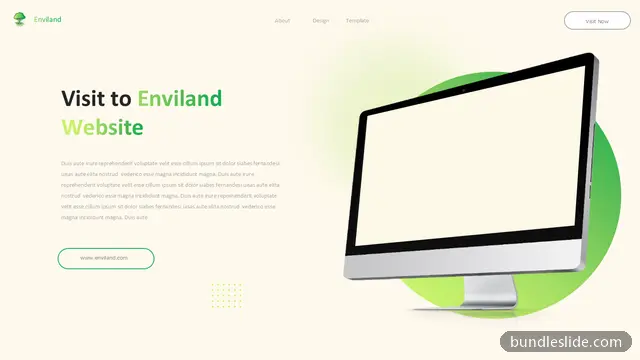
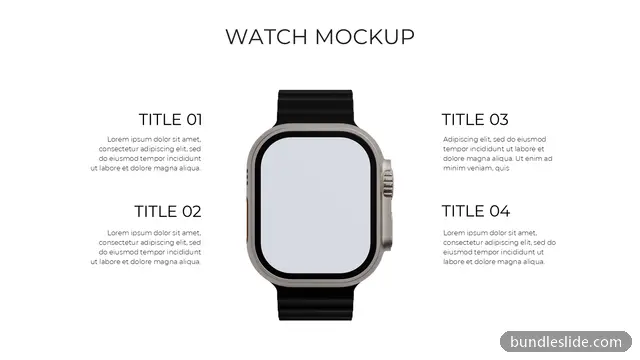
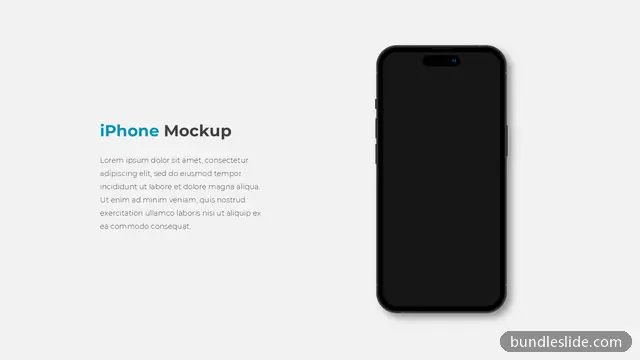
Illustrated slides make a presentation feel modern and friendly: isometric scenes, e-learning and education visuals, launch and success illustrations, and device mockups that show your screenshots on a laptop or phone.
Use them as eye-catching openers, section breaks and call-to-action slides in training decks, product demos, school and college presentations and marketing pitches. The text and colours are editable, and device screens can hold your own screenshots.





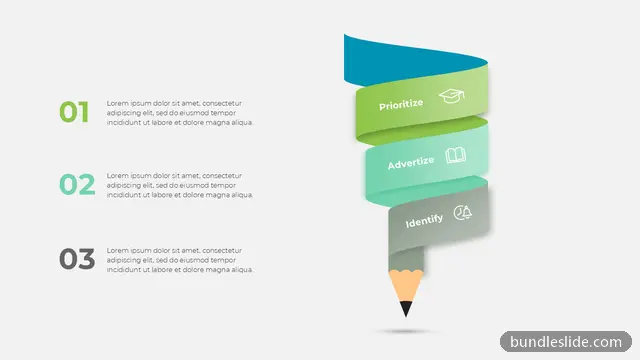
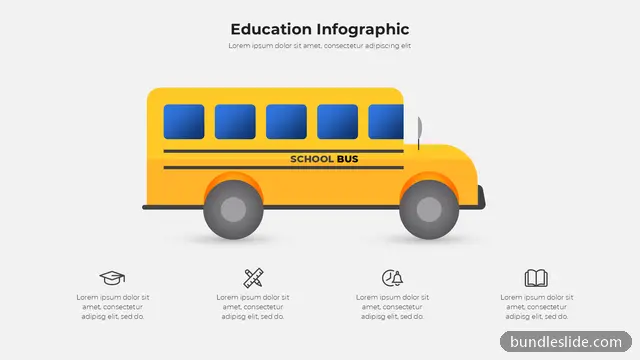

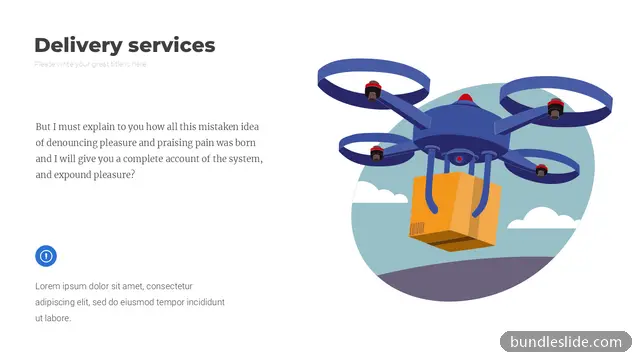






These are 24 of 158 Mockup & Illustration slides. Browse them all free →
Select the screen area, insert your screenshot on top, then crop and resize it to fit the screen.
As title slides, section dividers and closing call-to-action slides. They add visual energy between slides full of data.
Yes. Every slide is a real PowerPoint (.pptx) file, not a picture. You can change the text, colours, icons and layout, and add your own logo, just like any slide you made yourself.
Microsoft PowerPoint gives the best result. The files also open in Google Slides and WPS Office, though some fonts may look slightly different there.
Browsing and searching the whole library is free. Downloading needs a SmartSearch pass, from ₹99 for 30 days of unlimited downloads. It's a one-time payment with no auto-renewal.