16 editable PowerPoint slides · browse free · download from ₹99
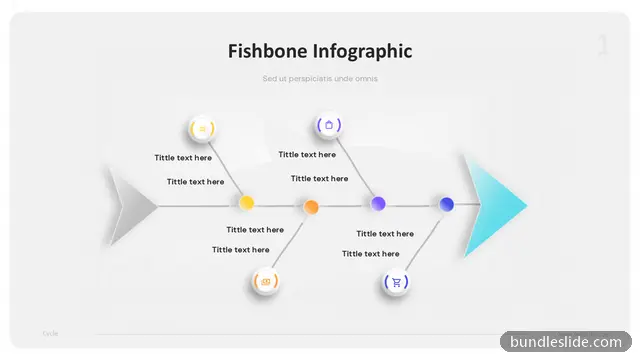
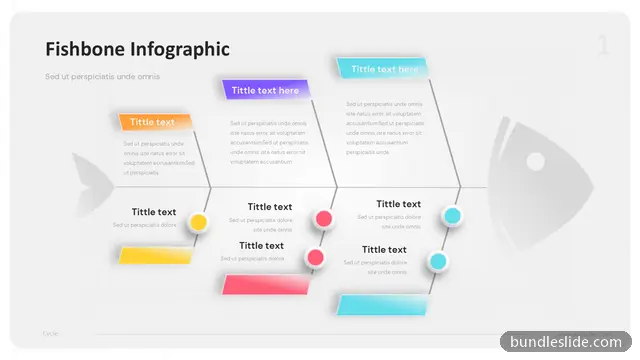
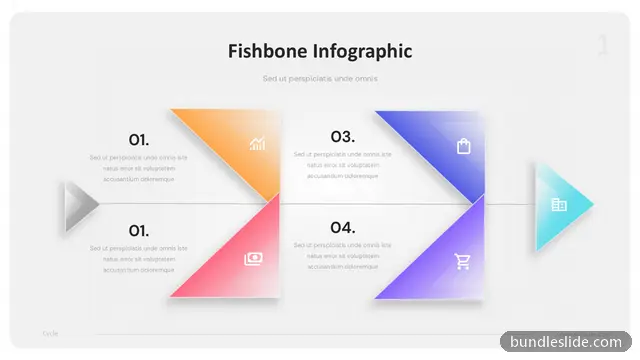
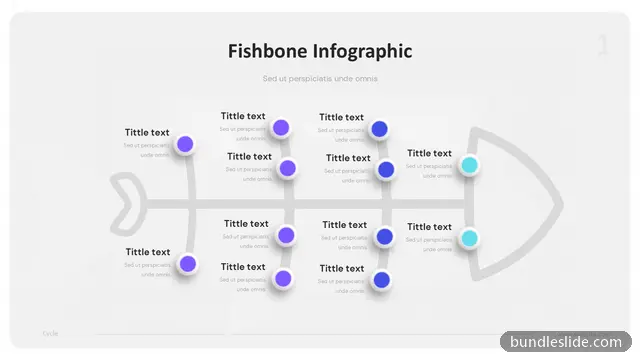
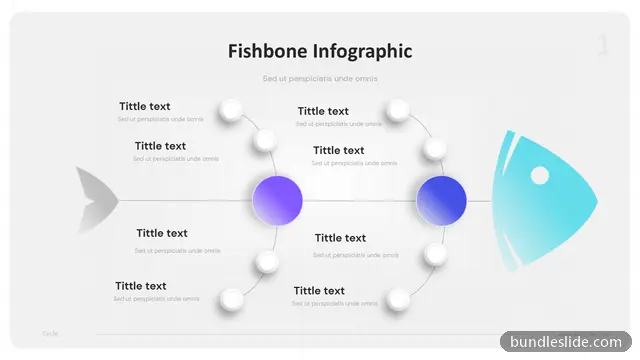
A fishbone diagram, also called an Ishikawa or cause-and-effect diagram, lays out all the possible causes of a problem under headings like people, process, equipment and materials. It is a core tool in quality, Six Sigma and problem-solving workshops.
These fishbone templates give you a clear skeleton to fill in during root cause analysis. Edit the problem statement and the cause categories to fit your issue.
Common ones are the 6 Ms: Man (people), Machine, Method, Material, Measurement and Mother Nature (environment). Use whichever fit your problem.
In root cause analysis, quality reviews, Six Sigma projects, audits and any meeting where a team investigates why a problem happens.
Yes. Every slide is a real PowerPoint (.pptx) file, not a picture. You can change the text, colours, icons and layout, and add your own logo, just like any slide you made yourself.
Microsoft PowerPoint gives the best result. The files also open in Google Slides and WPS Office, though some fonts may look slightly different there.
Browsing and searching the whole library is free. Downloading needs a SmartSearch pass, from ₹99 for 30 days of unlimited downloads. It's a one-time payment with no auto-renewal.