183 editable PowerPoint slides · browse free · download from ₹99
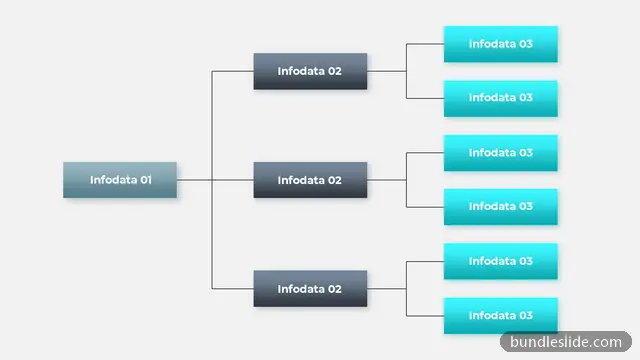
A flowchart maps how work actually moves, including the decisions along the way: approvals, yes/no checks, escalations and handovers between teams. It is the standard way to document and explain a workflow.
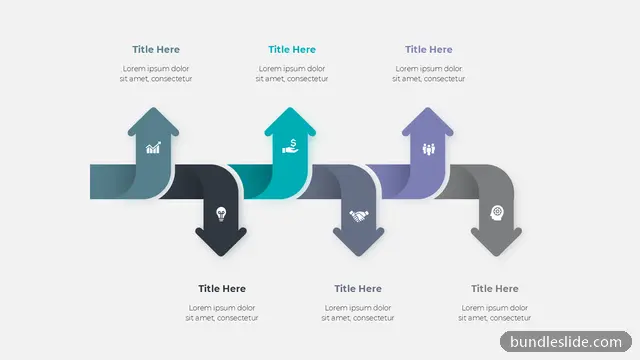
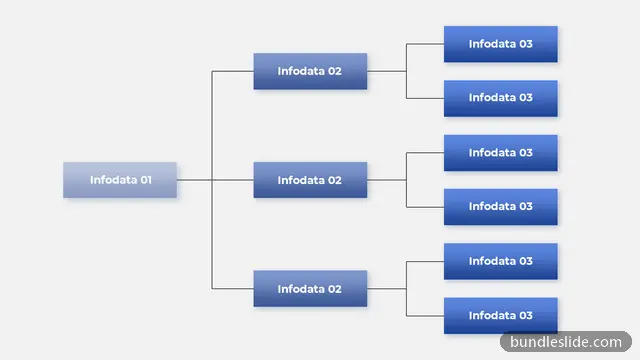
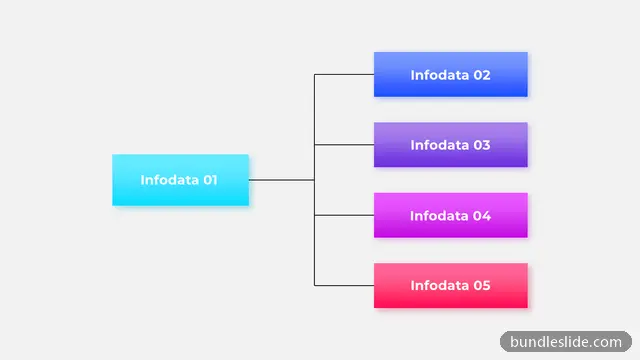
These flowchart templates include decision diamonds, swimlanes, branching paths and clean connector styles. Use them for SOP documentation, audit reviews, process improvement and training new staff.
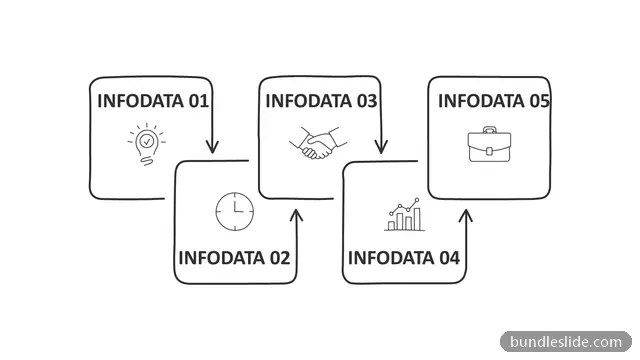
A process diagram shows steps in a straight line. A flowchart also shows decisions and branches, where the path changes depending on an answer.
Yes. Flowcharts are widely used to explain standard operating procedures and to review controls during audits.
Yes. Every slide is a real PowerPoint (.pptx) file, not a picture. You can change the text, colours, icons and layout, and add your own logo, just like any slide you made yourself.
Microsoft PowerPoint gives the best result. The files also open in Google Slides and WPS Office, though some fonts may look slightly different there.
Browsing and searching the whole library is free. Downloading needs a SmartSearch pass, from ₹99 for 30 days of unlimited downloads. It's a one-time payment with no auto-renewal.