68 editable PowerPoint slides · browse free · download from ₹99
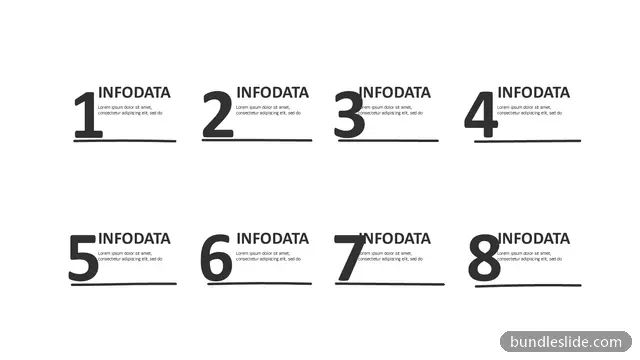
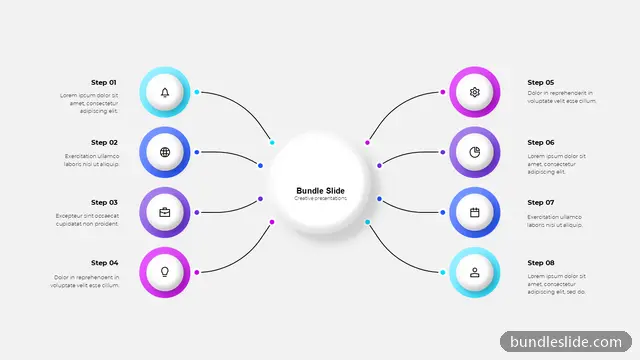
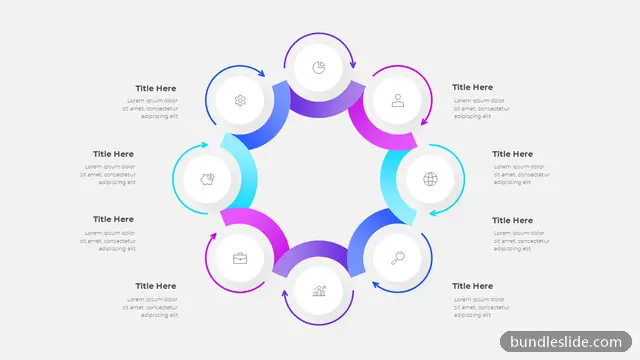
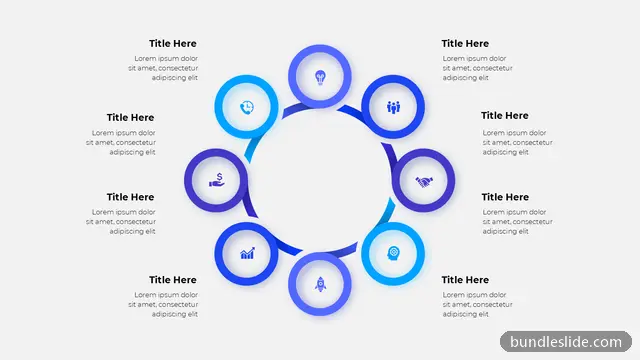
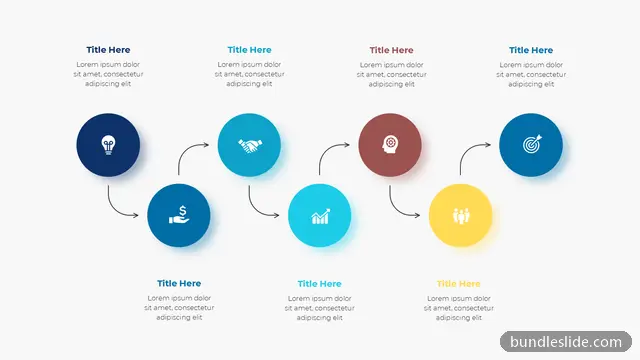
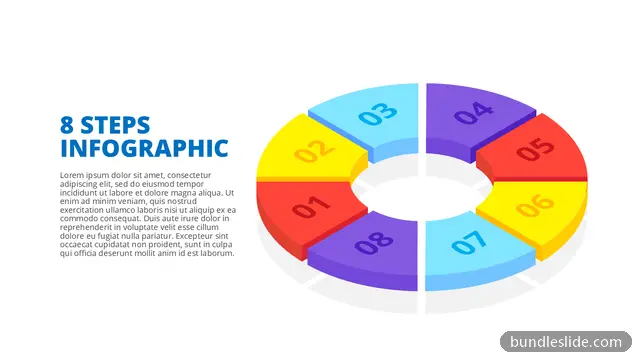
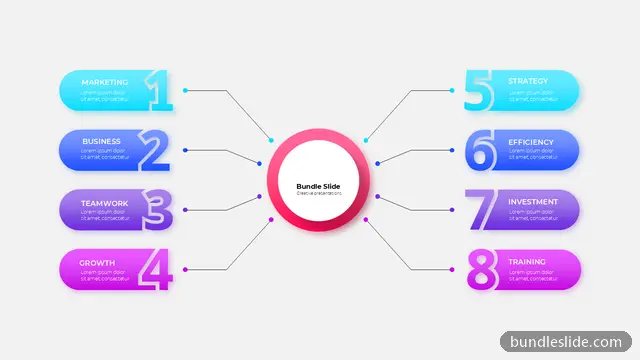
Eight-step processes show up in change management (Kotter's 8 steps), implementation plans and detailed checklists where every stage matters. An 8 step process slide gives the whole picture before you go through each step.
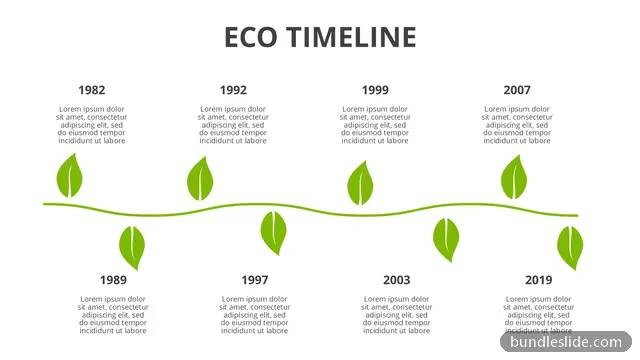
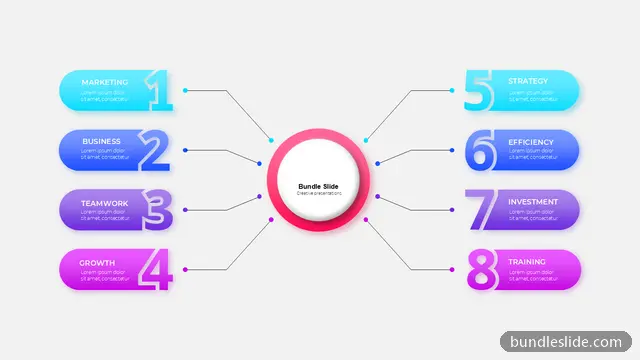
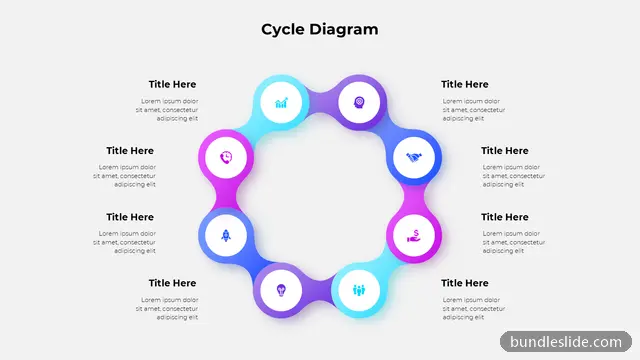
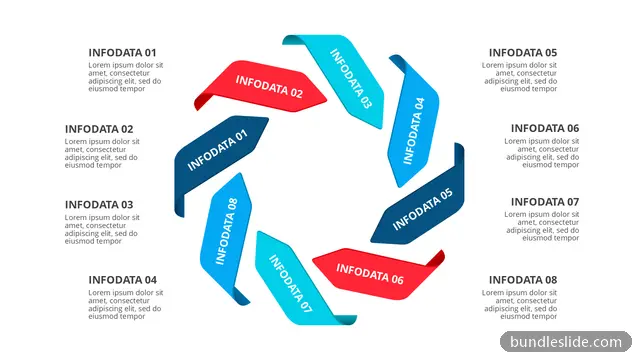
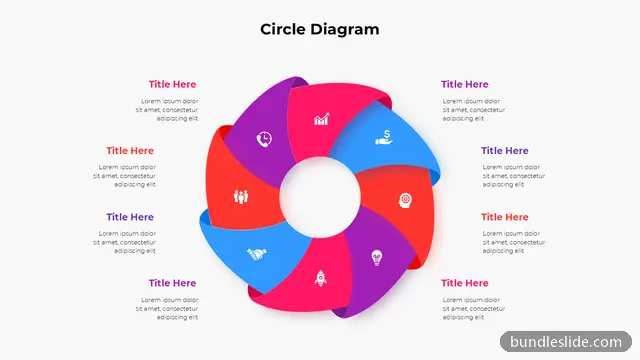
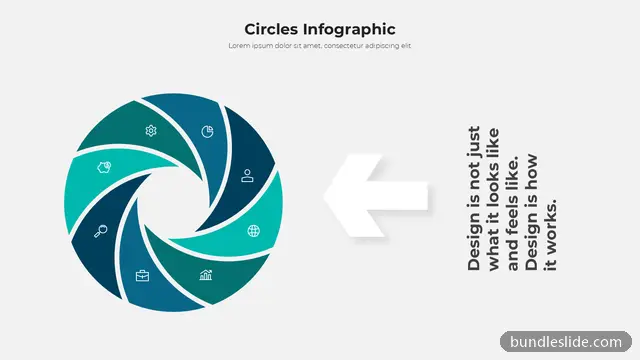
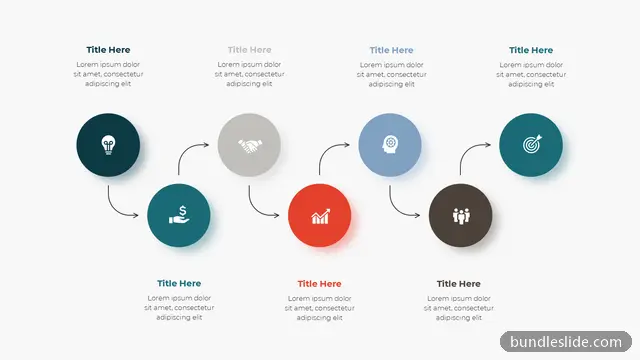
These designs arrange eight stages as two rows of four, winding paths and circular flows so the slide stays balanced. Everything is editable, from the step numbers to the icons and colours.
Yes. Any 8 step process slide works; type the eight stages from 'create urgency' to 'anchor the changes' and pick colours that suit your company.
If you need to explain each step in detail, yes. Use an 8 step slide as the overview first, so the audience sees the whole journey before the detail.
Yes. Every slide is a real PowerPoint (.pptx) file, not a picture. You can change the text, colours, icons and layout, and add your own logo, just like any slide you made yourself.
Microsoft PowerPoint gives the best result. The files also open in Google Slides and WPS Office, though some fonts may look slightly different there.
Browsing and searching the whole library is free. Downloading needs a SmartSearch pass, from ₹99 for 30 days of unlimited downloads. It's a one-time payment with no auto-renewal.